
Use Swiftflip on Mac
Manage your library, edit cards and practice from one Mac window, with keyboard shortcuts for the actions you use most.
Swiftflip on Mac puts your library in a persistent sidebar and opens the selected deck, folder or Insight beside it. You can build cards at a desk, then pick up the same library on iPhone, iPad or Apple Watch through iCloud sync.
Swiftflip on Mac
Mac
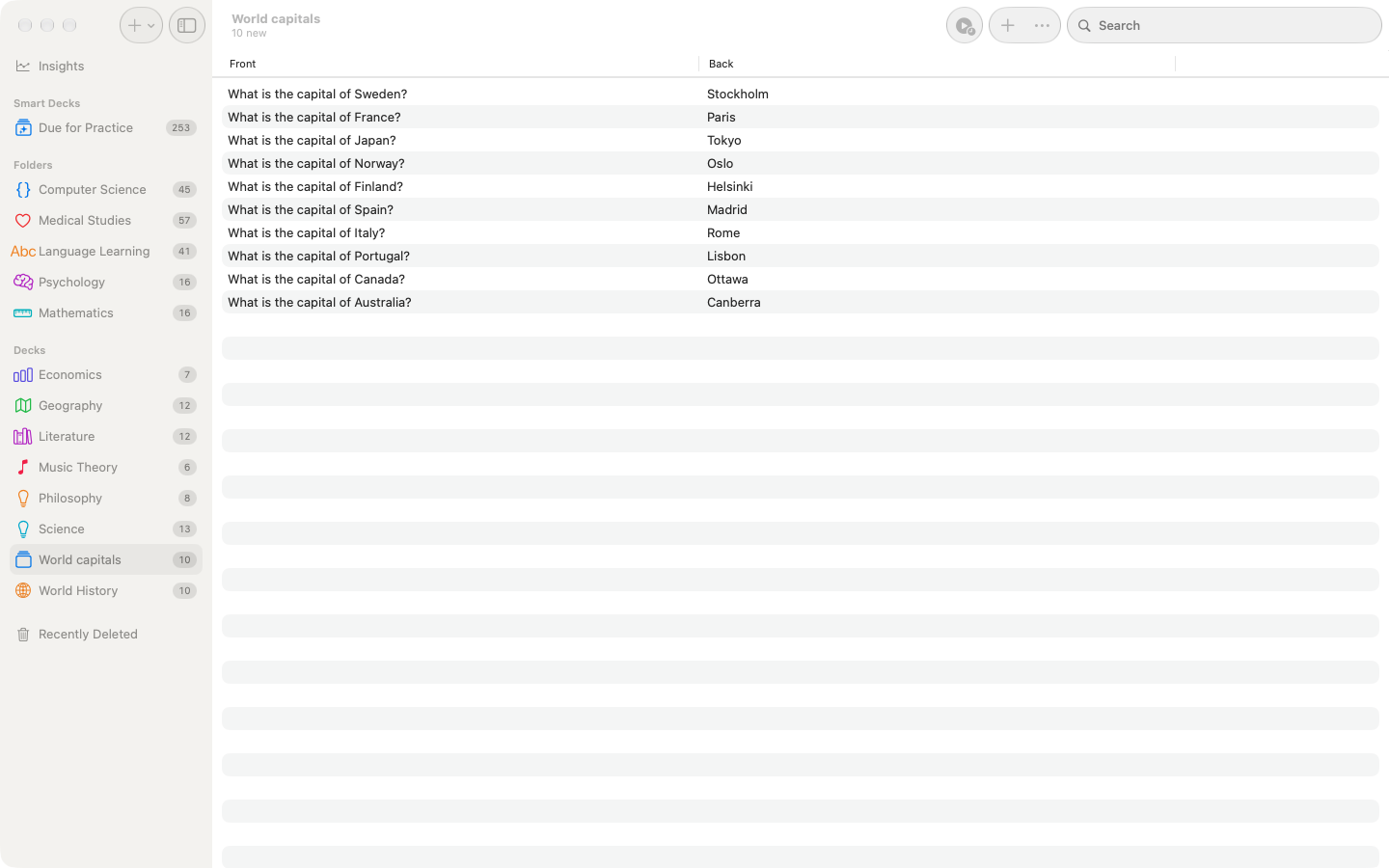
Keep the library visible
Decks, folders, Smart Decks and Recently Deleted stay in the sidebar.
Mac
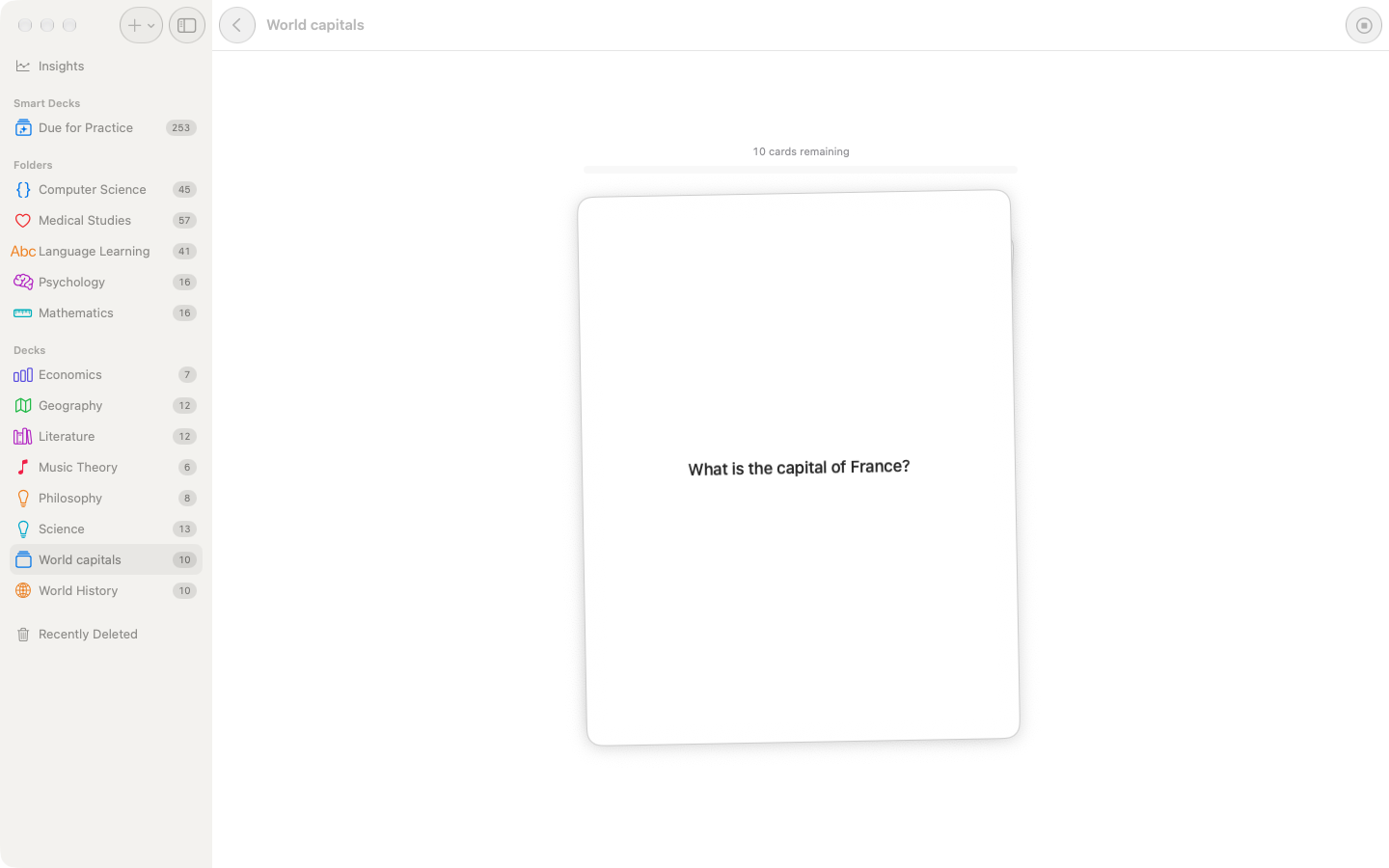
Practice by keyboard
Use Space to flip, then the arrow keys to grade without leaving the card.
Mac
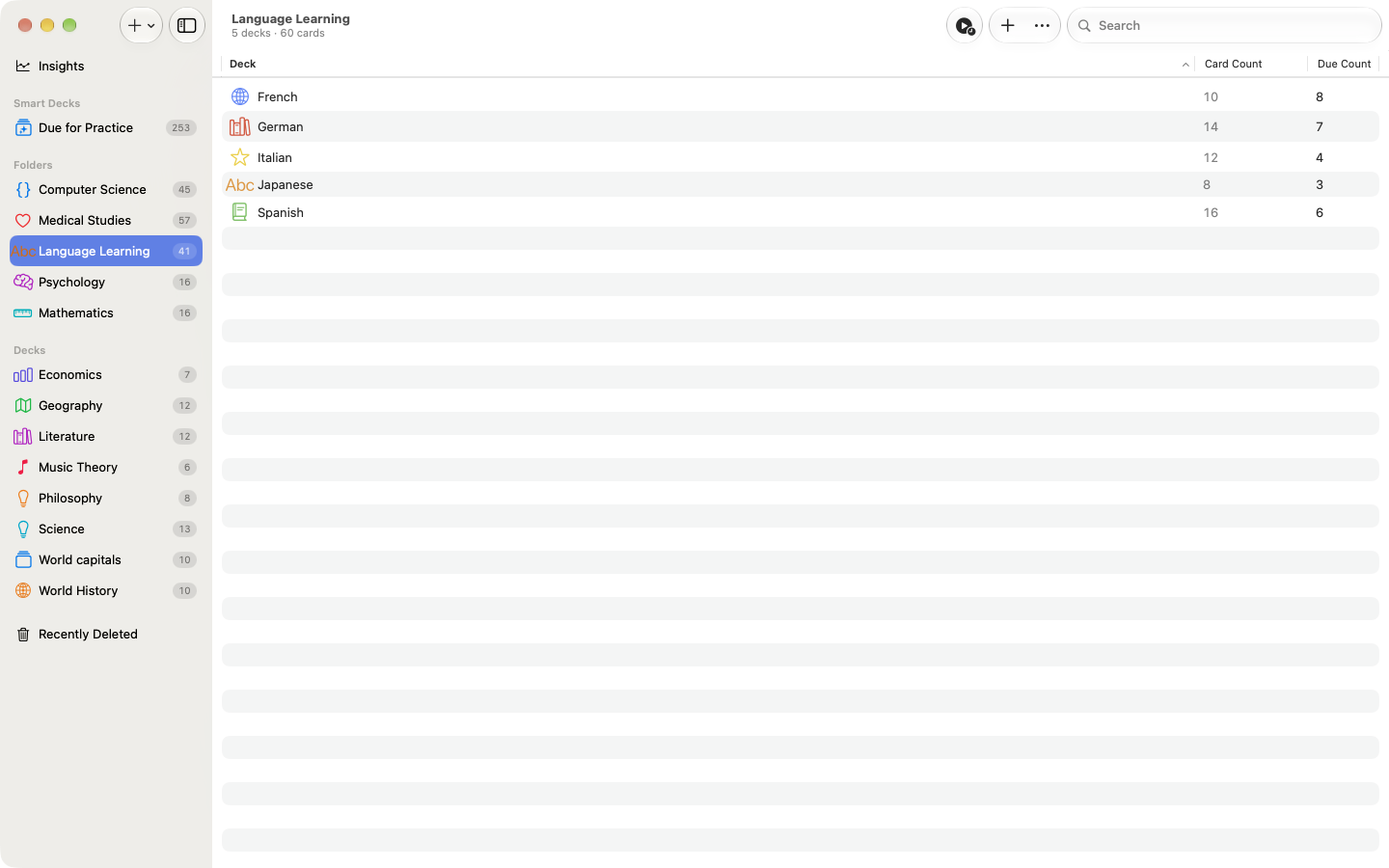
Organize by drag and drop
Move decks into folders while the rest of the library stays in view.
Mac
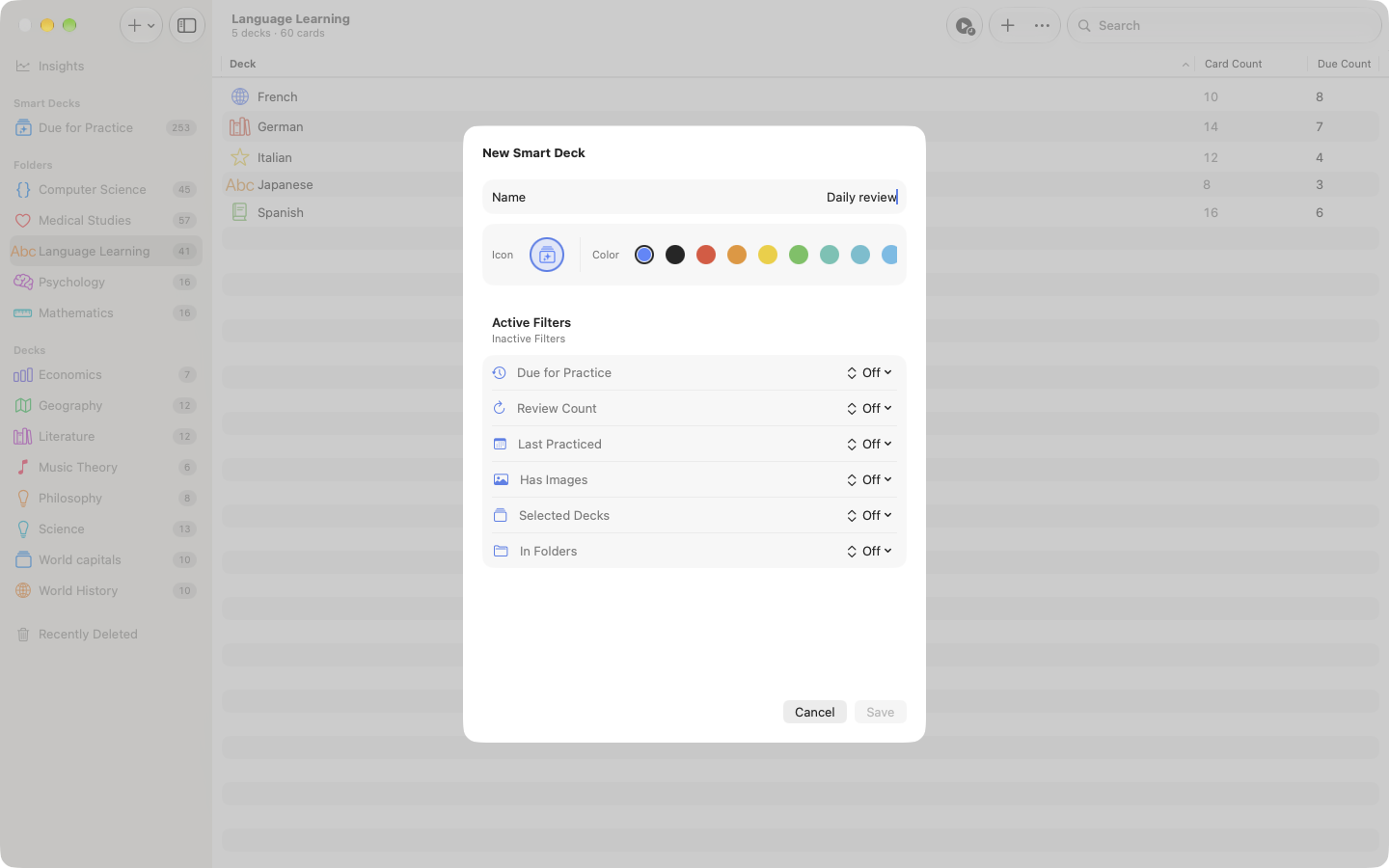
Build a Smart Deck
Set rules for due status, streaks, media, folders or selected decks.
Create and edit
Press Command N for a deck, Command Shift N for a folder or Command Option N for a Smart Deck. The card editor supports inline text formatting, images and audio. In the editable card table, double-click a cell to change it without opening a separate editor.
The keyboard shortcut guide lists every current command for practice, editing, navigation and Insights.
Keep shared tasks together
Swiftflip uses the same data and scheduling rules on each device, so one guide covers each of these tasks. They include a Mac section where the controls differ:
- Import an Anki deck
- Import a CSV file
- Export and back up your library
- Set up study reminders
- Sync and recover your library
- Understand Insights
- Use Siri and Shortcuts
- Use Handoff across devices
Search, widgets and Shortcuts
Global library search covers All Library and current-view scopes, with recent searches and direct card results. Native widgets bring Due Now, Deck Queue and Week Rhythm to the desktop, and Shortcuts and menu commands drive practice without the mouse.
Custom Practice works throughout the library, including multi-deck sessions from a folder. The conversational AI card wizard runs on Mac with Cloud AI on macOS 27 or later.