Seyvd

Seyvd

Encrypted backups. Storage you choose.

Seyvd encrypts files on your Mac, sends only changed data and gives you a clear path back when you need to restore.

Status
In development
Platform
macOS 26 or later
Availability
Private preview
Current build
1.0, build 5

Seyvd is under active development. The current build is not available on the Mac App Store.

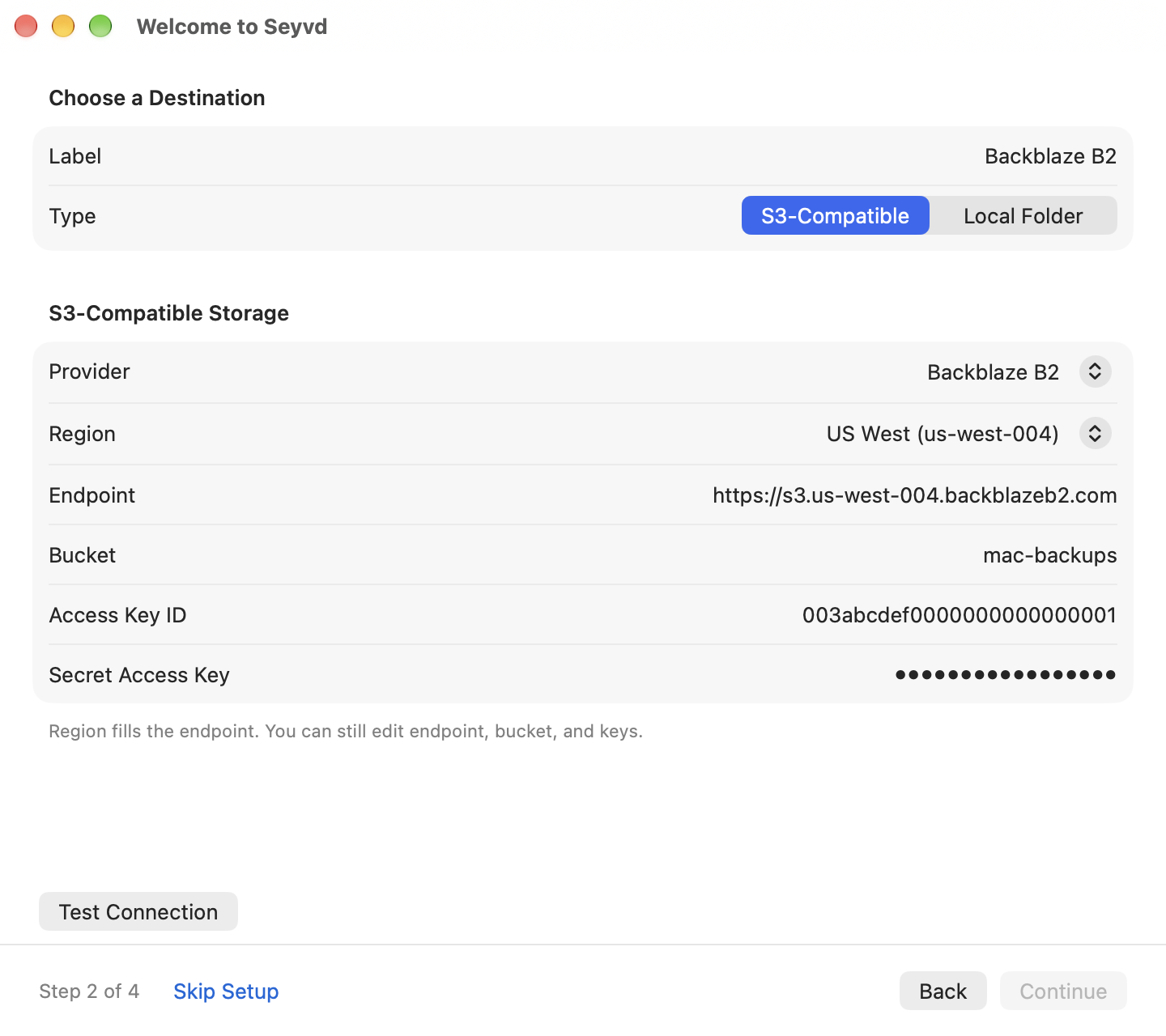
Seyvd screenshots.

Captured from the working app, using sample data.

What Seyvd does.

The parts that already work in the current development build.

Your storage, encrypted

Back up to S3-compatible services, network storage or a local folder. AES-256-GCM encryption runs before data leaves your Mac.
Only changed data moves

Chunk-level deduplication and LZ4 compression reduce repeat uploads, including when a file moves or changes name.

Restore what you need

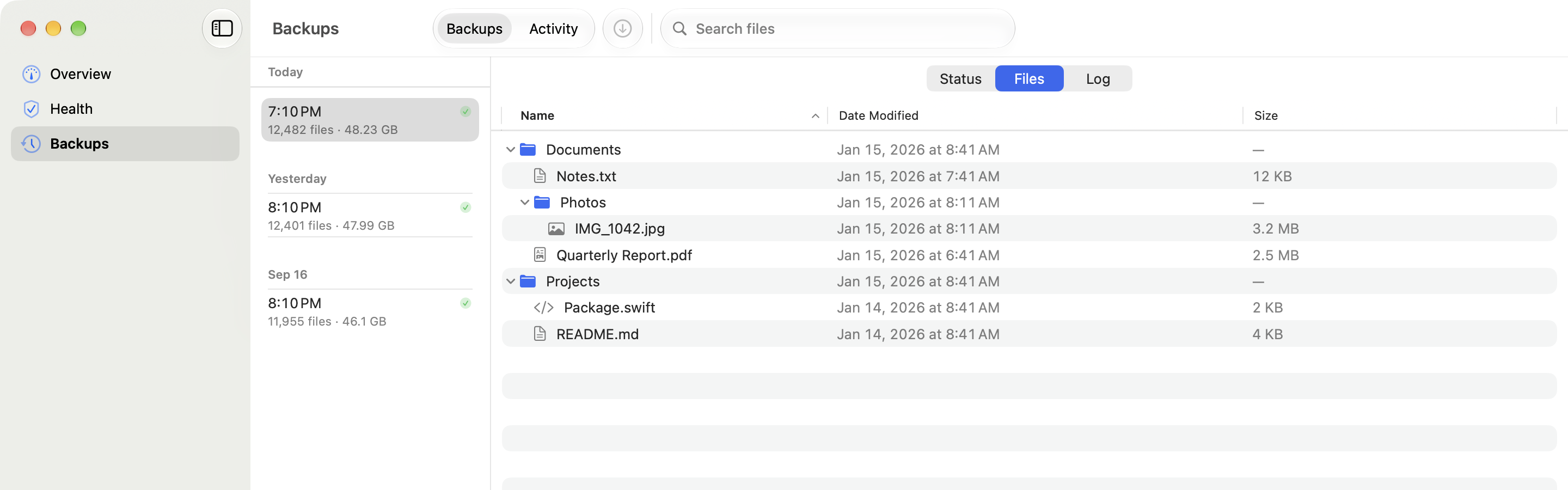
Browse timestamped backups, search the file tree and restore selected files or folders to the original location or somewhere new.

Know the backup can help

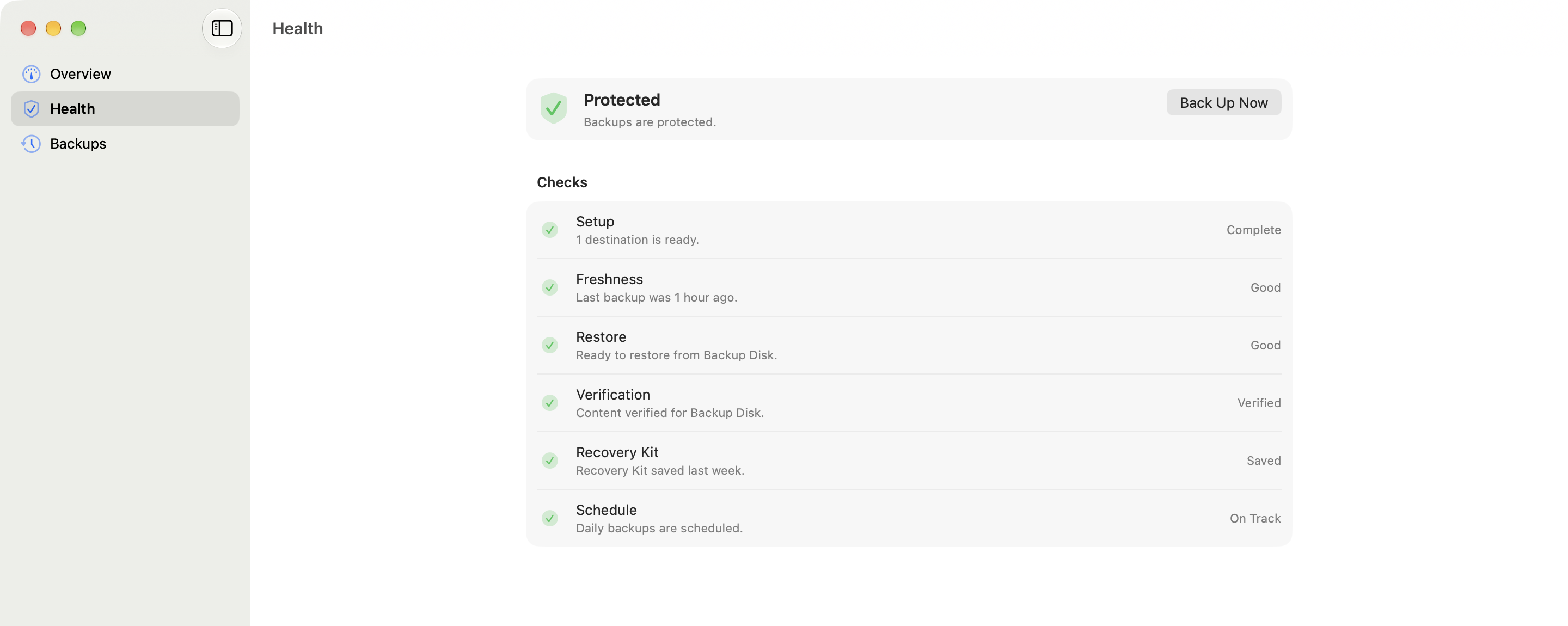
Health checks cover freshness, restorable snapshots, sampled content, encryption recovery and the active schedule.

How Seyvd works.

Choose files and storage, protect the encryption key and set the backup schedule.

  1. 01

    Choose folders

    Add the folders that matter and exclude patterns you do not want to store.

  2. 02

    Add storage

    Connect one or more S3-compatible services or select a local destination.

  3. 03

    Set the key

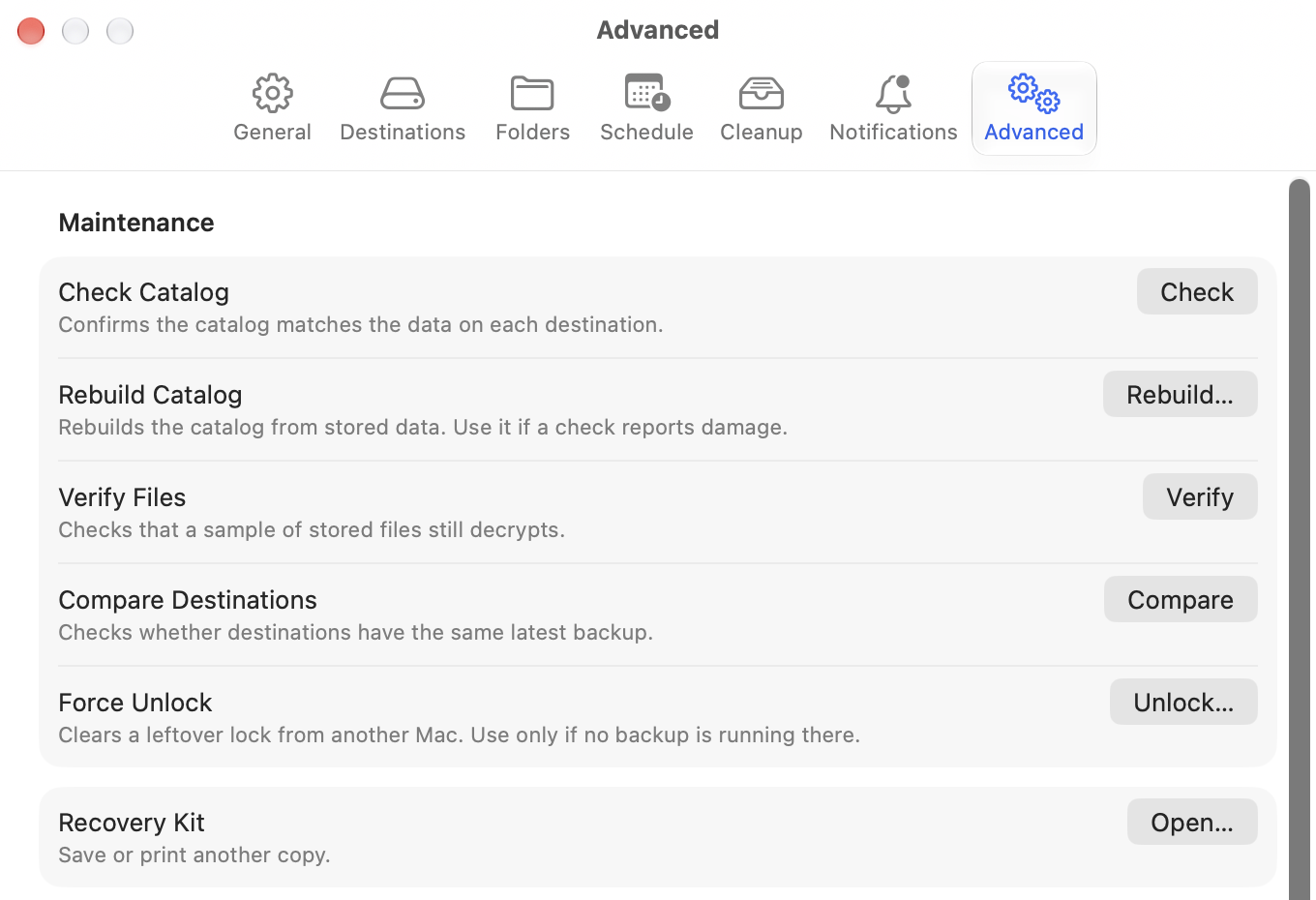
    Create an encryption password, then save the Recovery Kit somewhere separate.

  4. 04

    Let it run

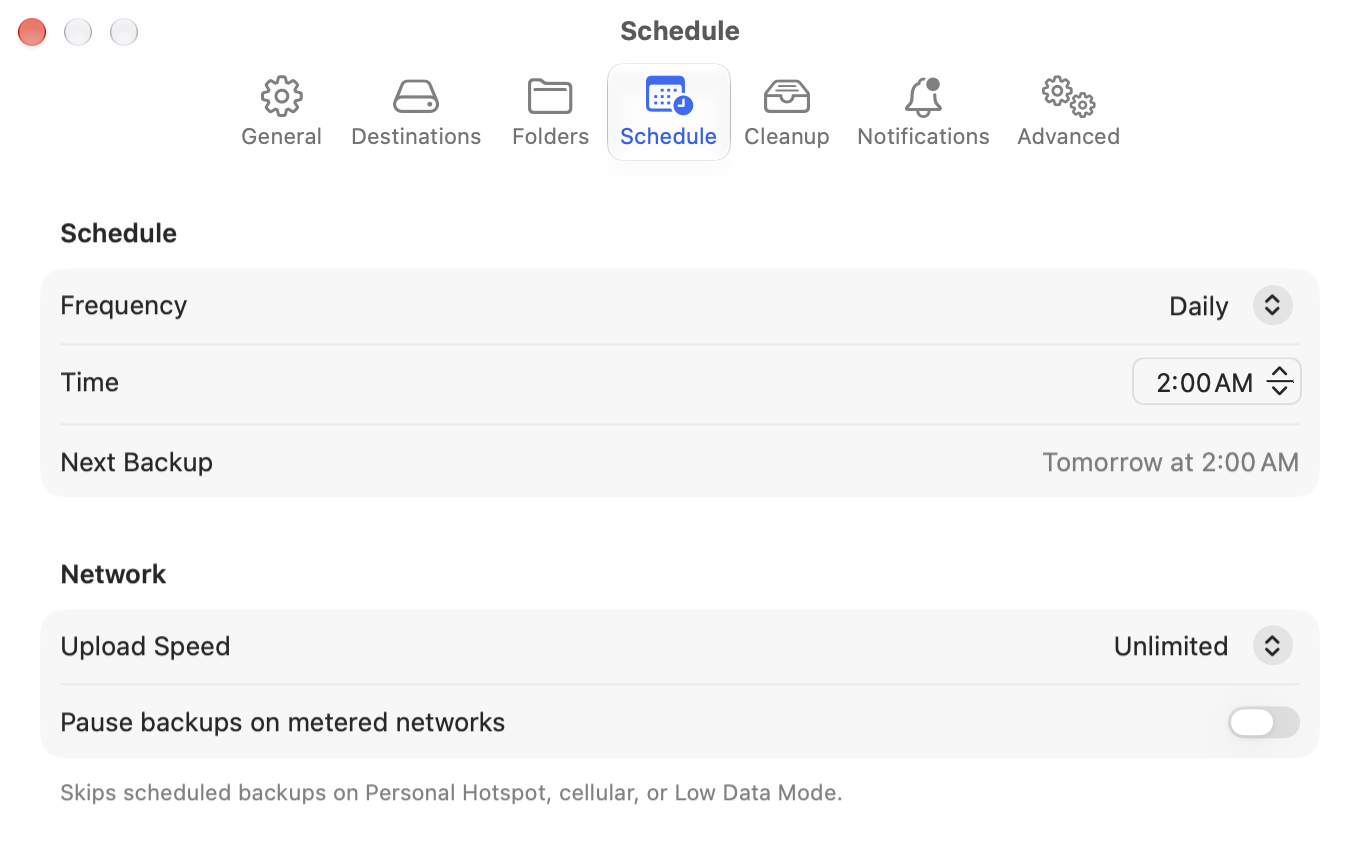
    Pick an hourly, daily or weekly schedule. Seyvd catches up after a missed run.

Readable files stay on your Mac.

Seyvd stores credentials in Keychain and encrypts backup contents locally. Your storage provider receives encrypted chunks, not readable documents.

  • No Seyvd account
  • AES-256-GCM client-side encryption
  • Keychain-backed credentials
  • S3-compatible and local destinations

Seyvd development updates.

A factual record of the changes already present in the repository.

Safer restores, dependable scheduling and better protection during long operations.

  • Restore now asks before replacing an existing file and writes replacements atomically.
  • Backup, restore and verification work prevents idle sleep until the operation ends.
  • Scheduling starts from saved settings and catches up after a missed backup.
  • A configured backup now requires an encryption password before it can run.
  • Backup-start failures appear in the app instead of failing silently.
  • File-tree selection, sheet sizing and log accessibility were tightened.

Overview and Health were rebuilt around the state of the backup, not a generic success score.

  • Health now groups checks for setup, freshness, restore availability, content integrity, the Recovery Kit and scheduling.
  • Overview reports degraded protection honestly and links to the action that can fix it.
  • Backup controls stay unavailable until the required configuration is present.
  • Restore fidelity limits are documented alongside the recovery work.

The app gained a guided setup path, Recovery Kit support and a quieter menu-bar workflow.

  • First-run setup now covers folders, storage, encryption and scheduling.
  • The Recovery Kit can be saved or printed as a fallback when the password is lost.
  • Seyvd can launch at login without opening its main window.
  • Extended attributes, empty folders, symlinks and modification dates survive backup and restore.
  • Per-file restore failures no longer stop the remaining files from being recovered.

The first App Store build metadata and backup engine foundation.

  • S3-compatible and local backup destinations.
  • Encrypted, deduplicated and compressed backup storage.
  • File-level restore, retention rules and menu-bar status.
  • Privacy manifest, shared scheme and release pipeline setup.

Common Seyvd questions.

Where can Seyvd store backups?

The current build supports S3-compatible services and local folders, including external drives and mounted network shares.

Can HK Softworks read my files?

No. Seyvd encrypts files on your Mac and does not send them through an HK Softworks account or service.

What happens if I lose the encryption password?

The Recovery Kit provides a separate recovery path. Save or print it after the first backup and keep it away from the Mac being protected.

Is Seyvd available now?

Not publicly. Seyvd remains in active development and is not listed on the Mac App Store.