
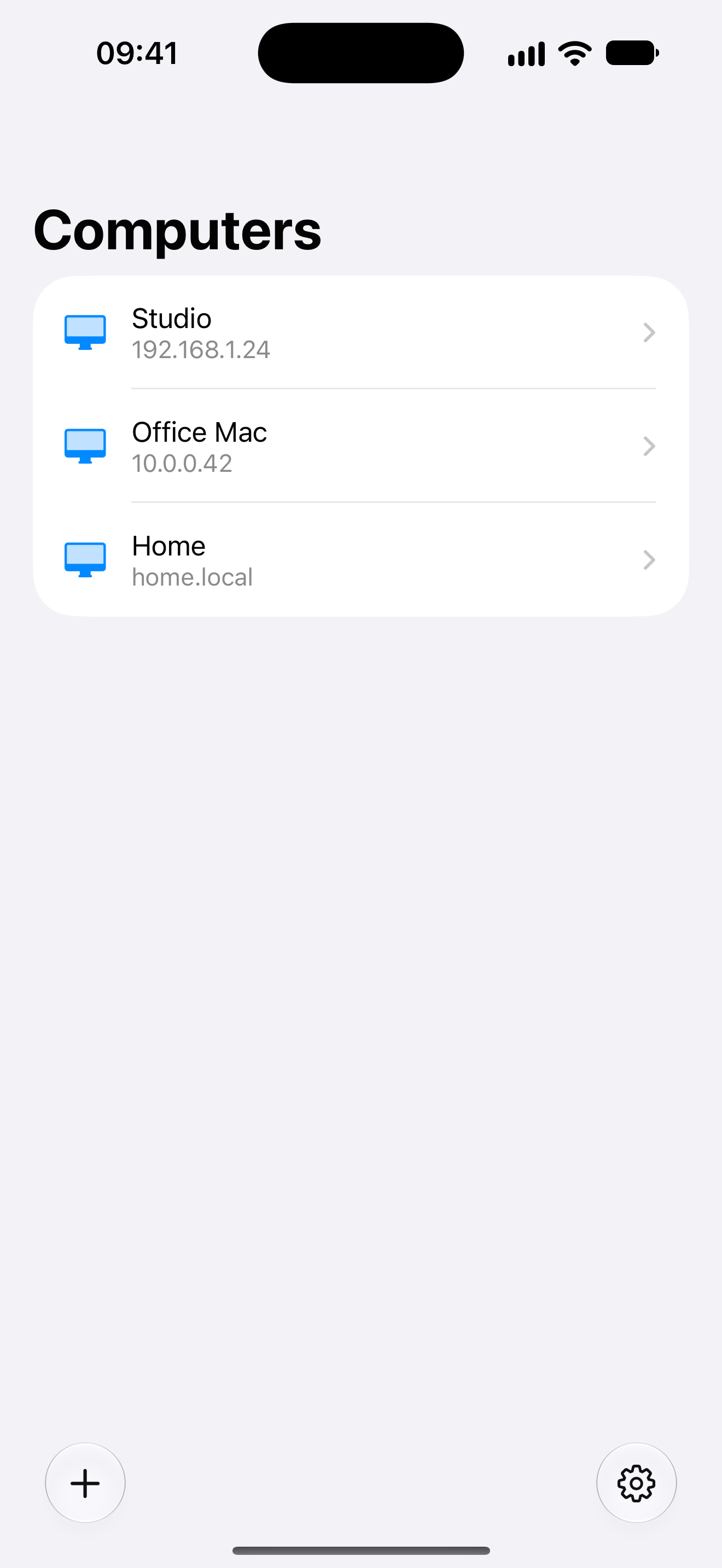
Saved servers
Save Macs on this device, then tap to connect.

Otherdesk
Use your Mac’s built-in Screen Sharing with a touch pointer, keyboard and clipboard. No extra Mac app to install.
Available on the App Store · iOS and iPadOS 26 or later.
USD 6.99 · One-time purchase. Prices vary by region.
Connect on your local network. No extra Mac app.
Save Macs on this device, then tap to connect.
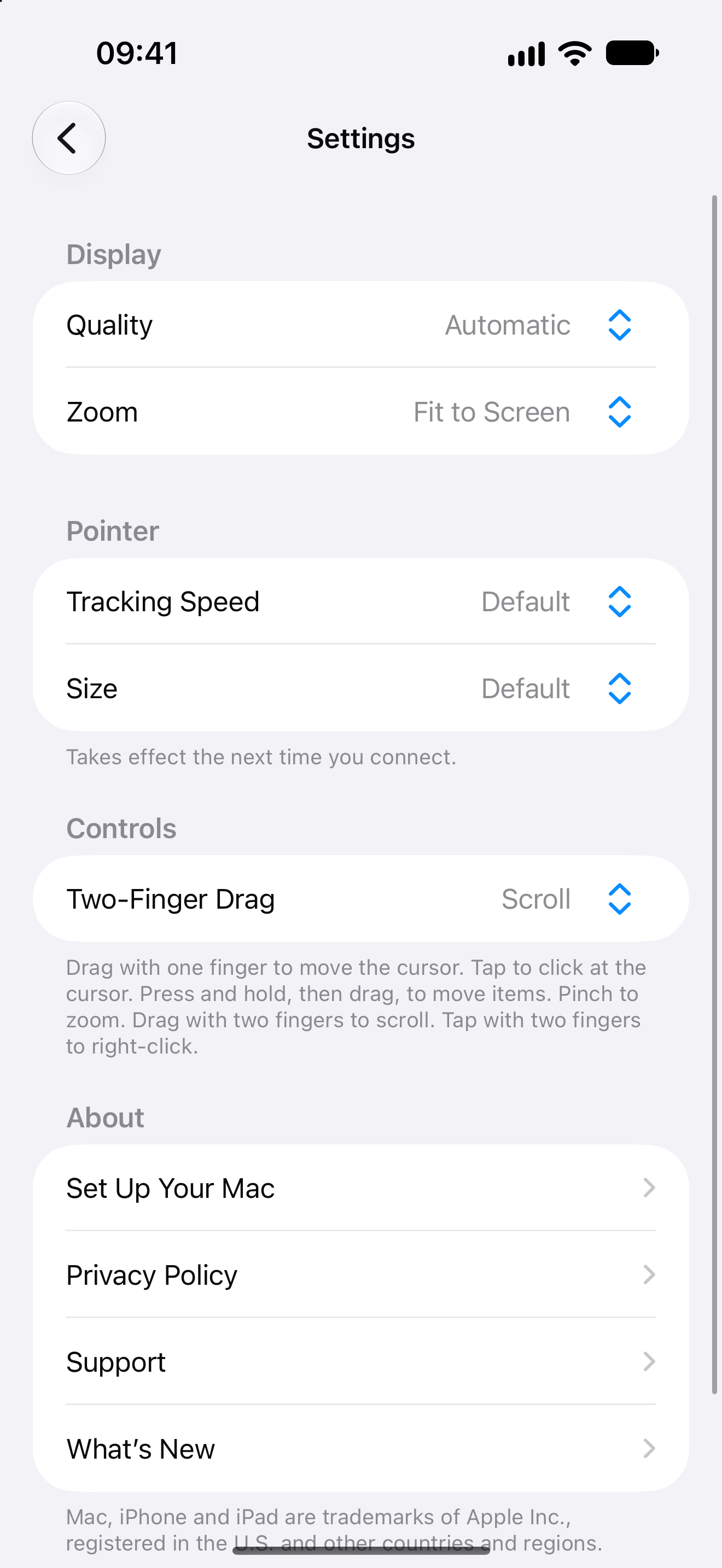
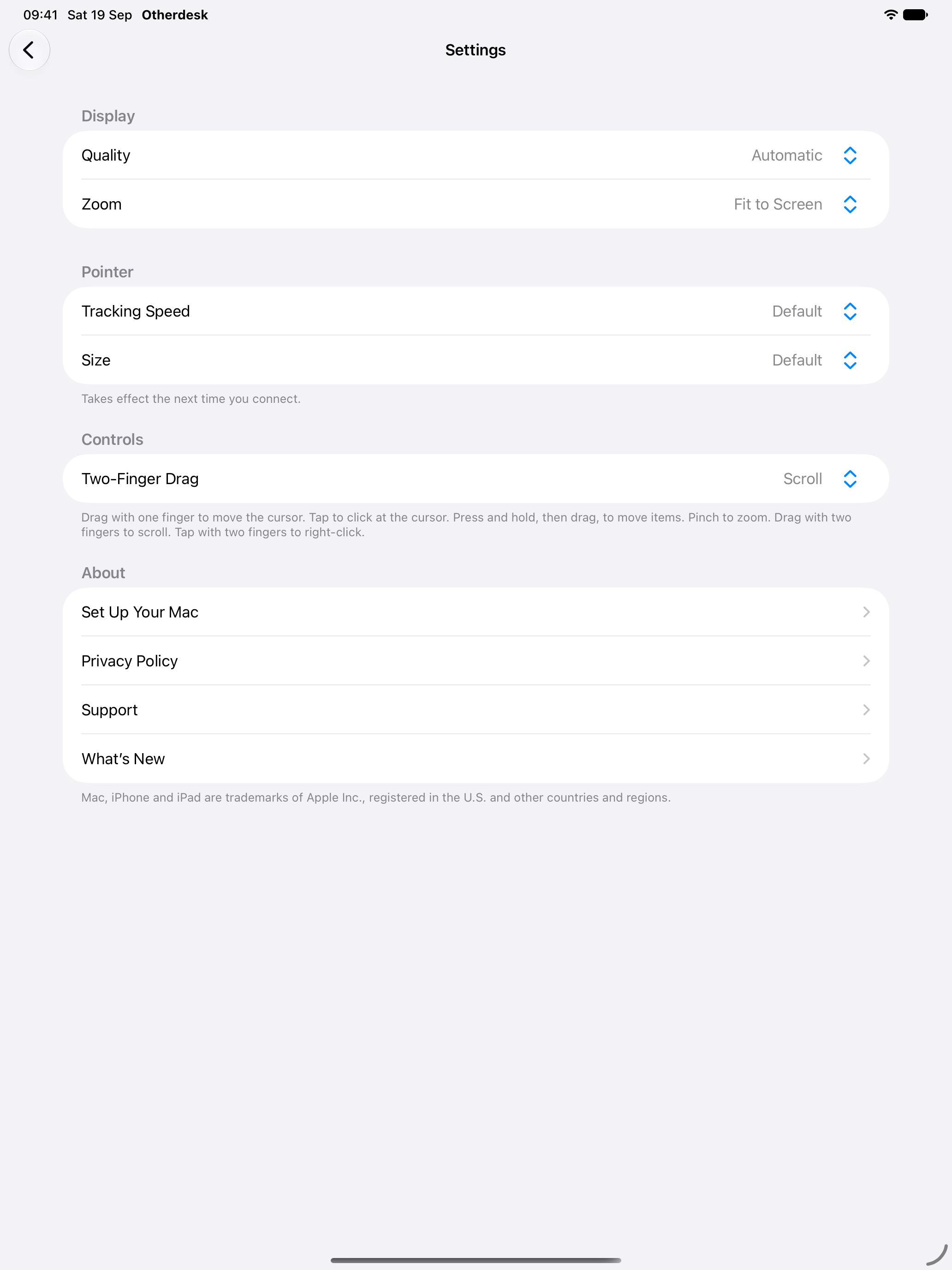
Tap to click, drag to move the cursor and pinch to zoom.
Type on the Mac, copy text from it and paste text to it.
Fit the Mac to this screen. Reconnects if the link drops.
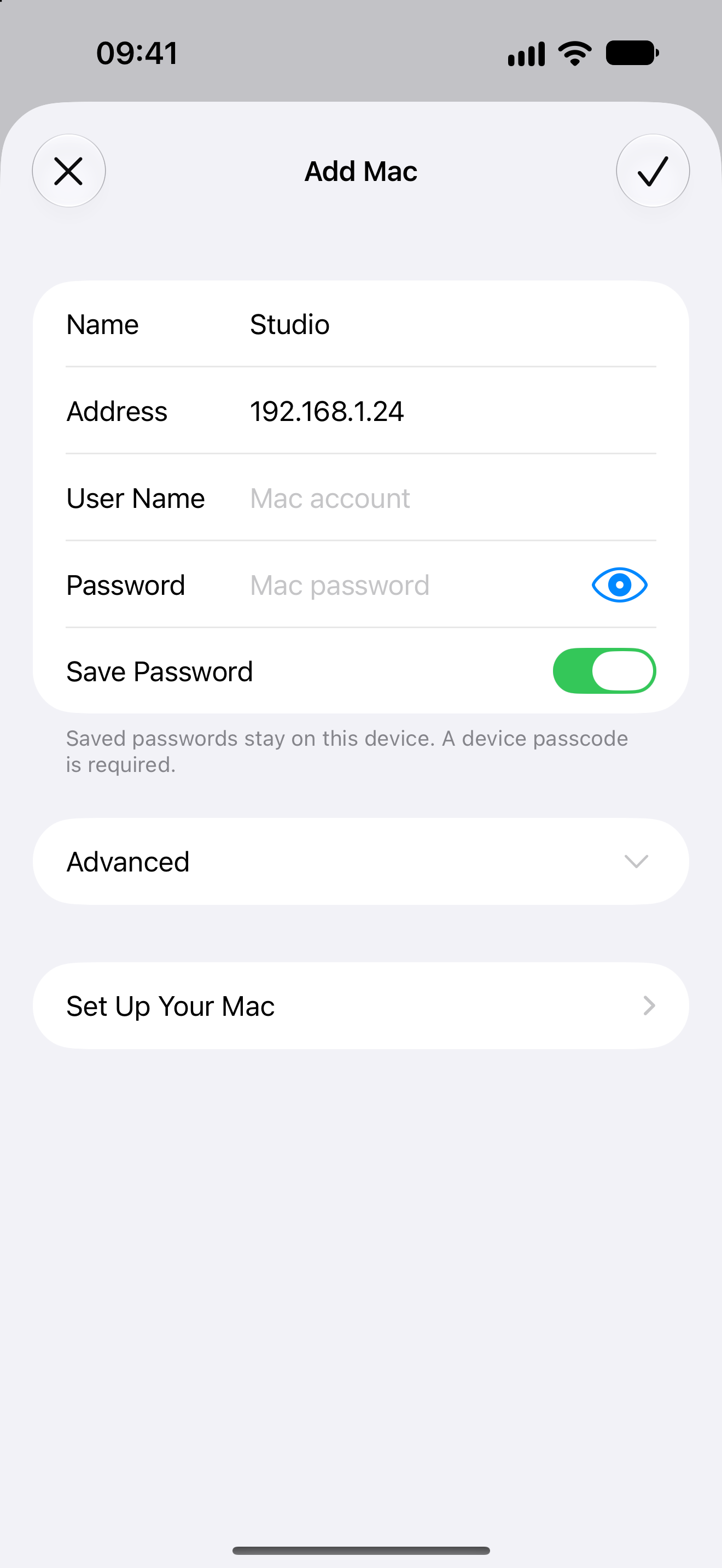
Otherdesk stores server names on this device. Saved passwords go in this app's Keychain and leave only when you connect to the Mac you typed.
Turn on Screen Sharing, find a nearby Mac or enter its address and sign in with that Mac user name and password.
Move the cursor, click, drag, zoom and right-click on the Mac from iPhone or iPad.
Open the keyboard in a session, copy text from the Mac and paste text to it.
Choose quality, zoom, tracking speed and pointer size so the Mac fits this screen.
No. Otherdesk connects to Macs on the same local network. Add the Mac by its .local name or local IP address.
No. HK Softworks cannot see your screen, passwords or server list. Credentials leave the device only when you connect, and only to that Mac.
In this app's Keychain on the device. A device passcode is required to keep a password. Deleting a server removes its saved credentials.
Turn on Screen Sharing in System Settings and allow the account you will use. Requires iOS or iPadOS 26 and Screen Sharing on macOS.
Otherdesk is a one-time App Store purchase of USD 6.99 in the US. There is no subscription, and prices vary by region.
Clearer keyboard and clipboard controls.
Available on the App Store · iOS and iPadOS 26 or later.