
Set up a Custom Practice session
Build a practice session from chosen decks with your own session size, card order, study focus, first side and retry behavior.
Practice Due follows the schedule. Custom Practice is for everything else: a cram session before an exam, a short due-only pass on a commute or a drill through one stubborn deck. Swiftflip builds the session in one sheet on iPhone, iPad and Mac.
Choose the session
iPhone
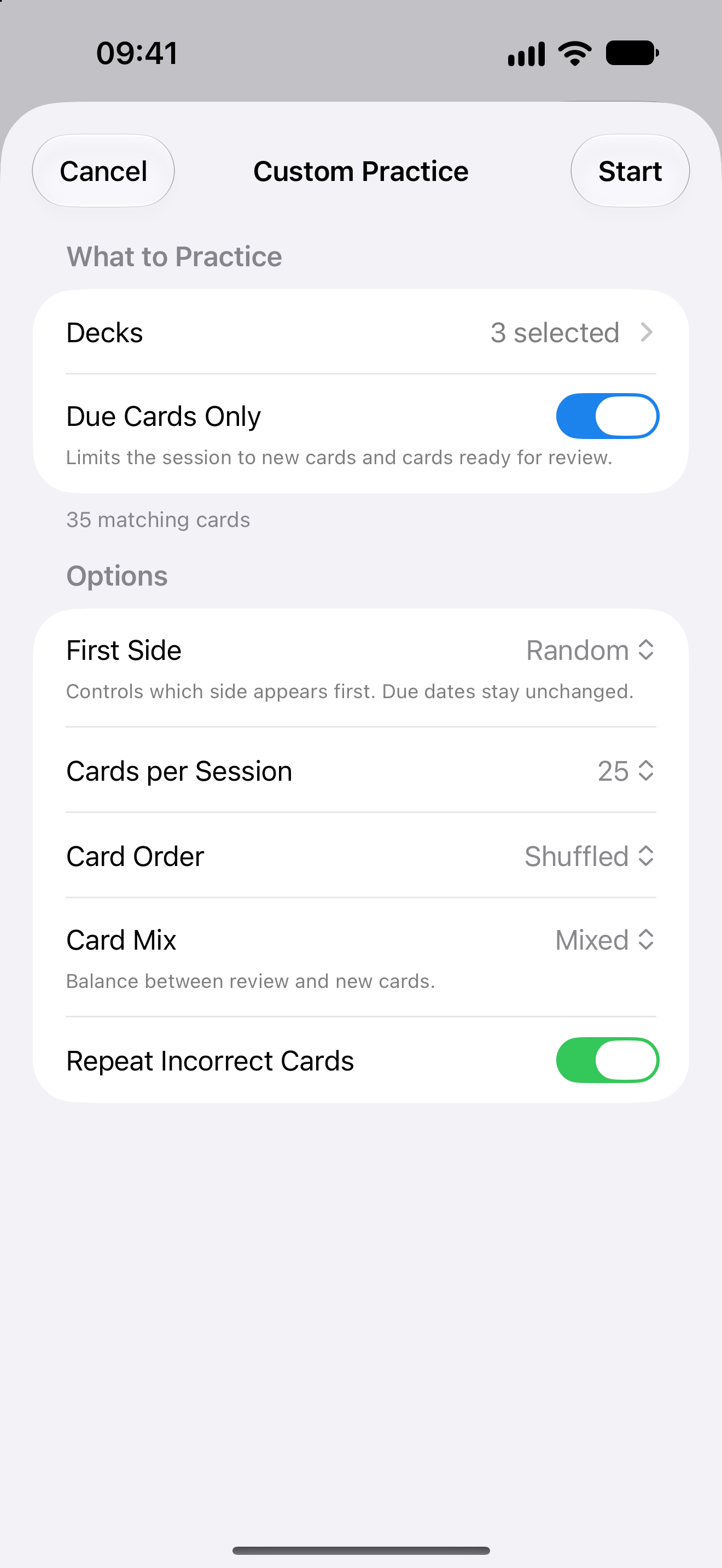
Choose cards and options
The example uses due cards with a random first side, so it is a drill.
iPad
Keep the library nearby
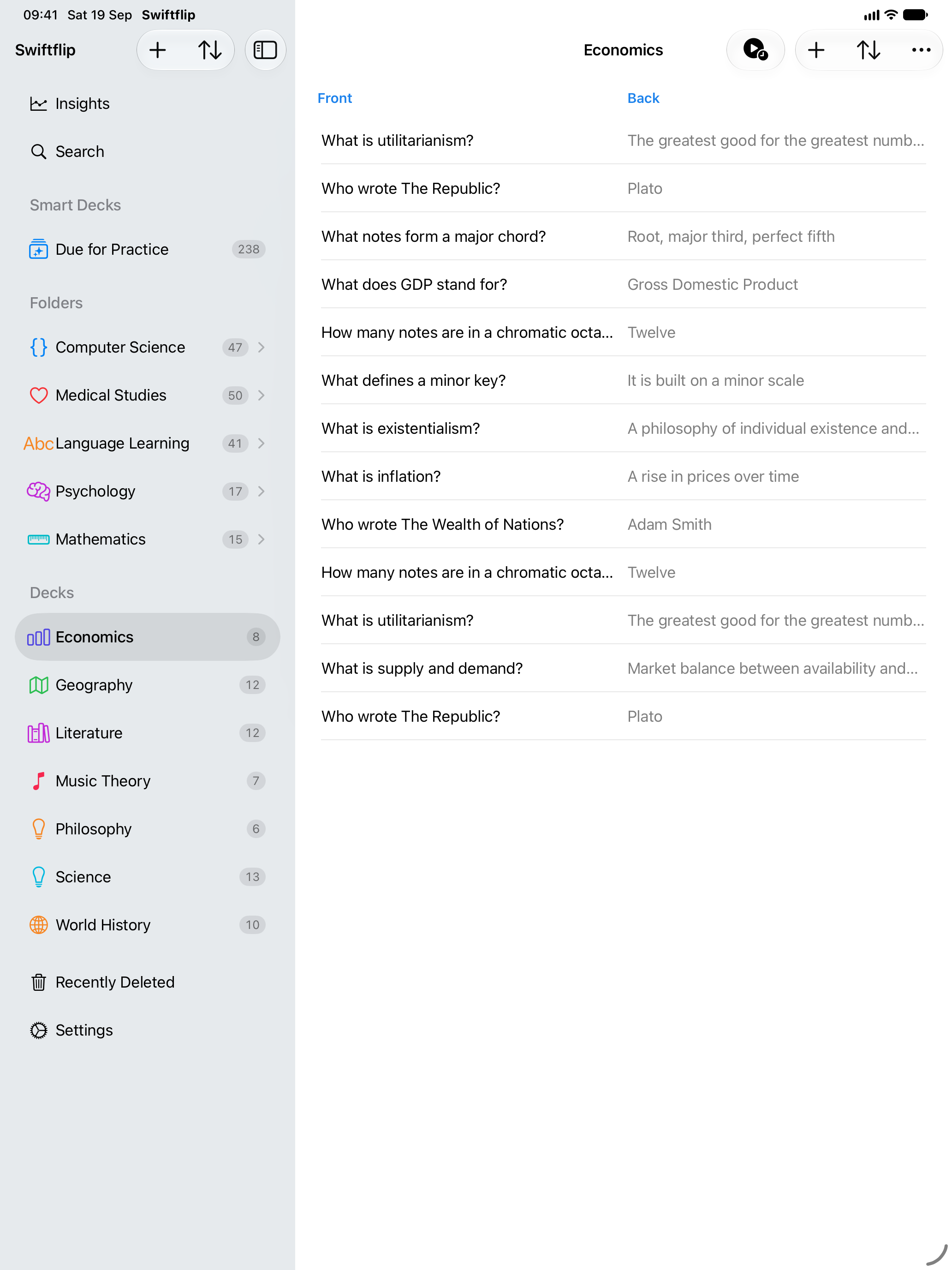
Configure the same options in the iPad sheet.
Open Custom Practice
Long-press a deck on iPhone or iPad, or right-click it on Mac, and choose Custom Practice. It also lives in the practice menus, so you can start from the library without picking a deck first.
The sheet opens with your previous choices filled in. Adjust what needs adjusting and start.
Choose the scope
Pick one deck, several decks, All Decks or a Smart Deck. All Decks starts a session across every regular deck. A Smart Deck scope practices the cards it currently matches, which is useful for rule-based collections like cards you often answer incorrectly.
Scheduled session or drill
Due Cards Only and First Side work together:
- Due Cards Only on and First Side set to Scheduled Side: practice new cards and reviews that are due. Grades update the schedule, the same as Practice Due.
- Due Cards Only off, or another First Side selected: run a drill. Due dates stay unchanged. You can still limit a drill to due cards by leaving Due Cards Only on.
Swiftflip states which kind you configured before you start.
The options, one by one
- First Side: Scheduled Side follows the direction due for review when Due Cards Only is on. Back or Random makes the session a drill. See practice in both directions.
- Cards per Session: how many cards the sitting includes, with an estimated session length.
- Card Order: newest first, oldest first or shuffled.
- Card Mix: when the session cannot fit every matching card, favor new cards or review cards. Mixed keeps the balance even. The option only matters when cards are being left out.
- Repeat Incorrect Cards: bring missed cards back later in the same session, so you end on a correct answer.
The sheet shows how many cards match your choices, so you know the session’s real size before starting.
Three sessions worth stealing
- The night before a test: the two relevant decks, Due Cards Only off, shuffled, Repeat Incorrect Cards on.
- The commute: Due Cards Only on, First Side set to Scheduled Side and Cards per Session matched to the ride.
- The stubborn deck: one deck, Card Mix set to More Review, Back → Front first.
Set the defaults for everyday practice
Custom Practice configures one session. For your usual sessions, open Swiftflip Settings and adjust Study Options. Review Frequency changes scheduling; Notification Frequency only changes reminder timing. See study reminders for that distinction.
Everything else still applies
A Custom Practice session grades, animates and completes like any other. It carries across Handoff exactly as configured, and its results appear in Insights with the rest of your practice.