
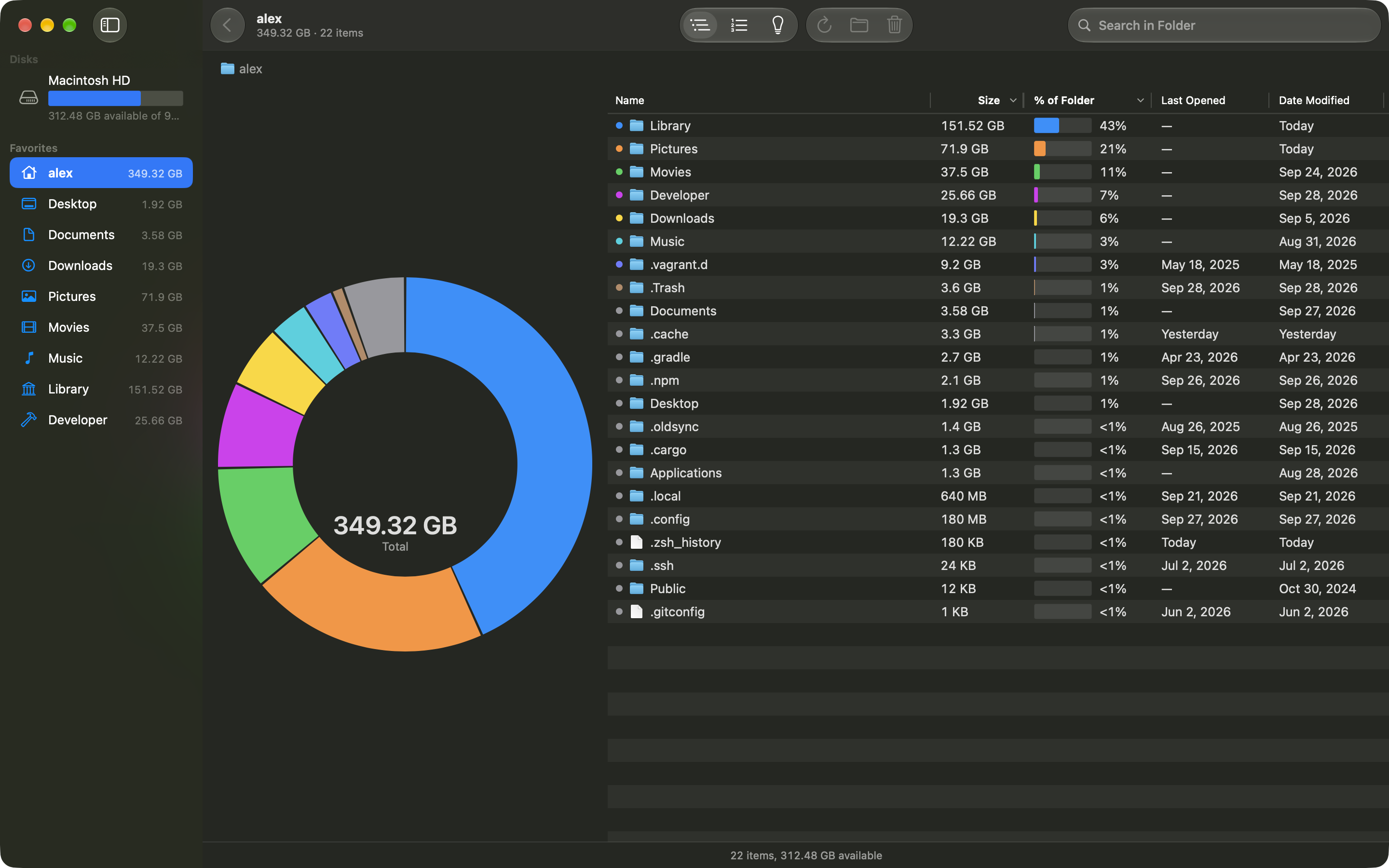
Results as it scans
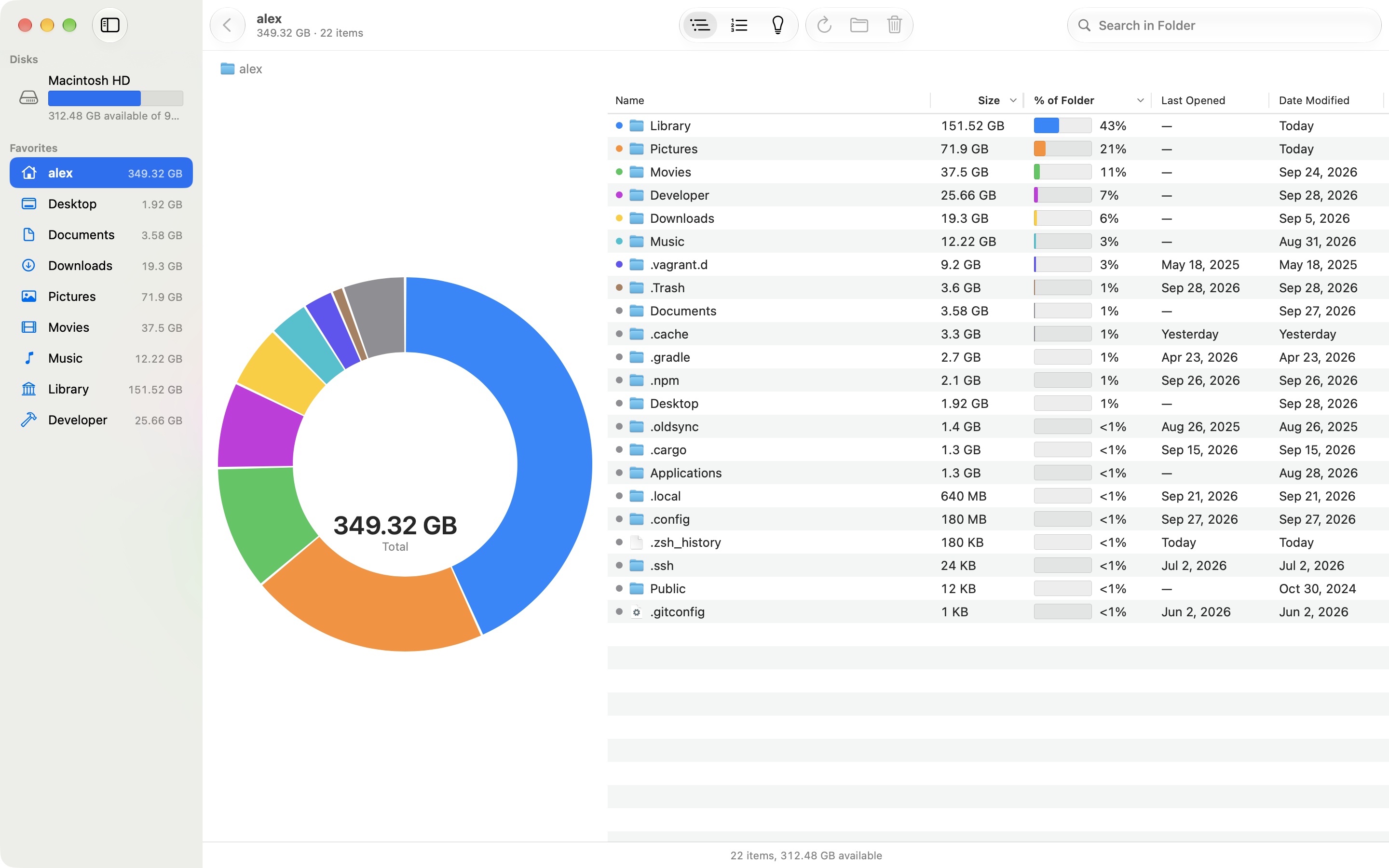
Folders fill in while Diskbite measures, so you can browse before the scan finishes.
Diskbite
Diskbite measures every folder on your disk and shows where the space goes, so you can decide what to clear.
In development. Not on the App Store yet.
Leave your email for one launch notification.
You’re on the list
The parts that already work in the current development build.
Folders fill in while Diskbite measures, so you can browse before the scan finishes.
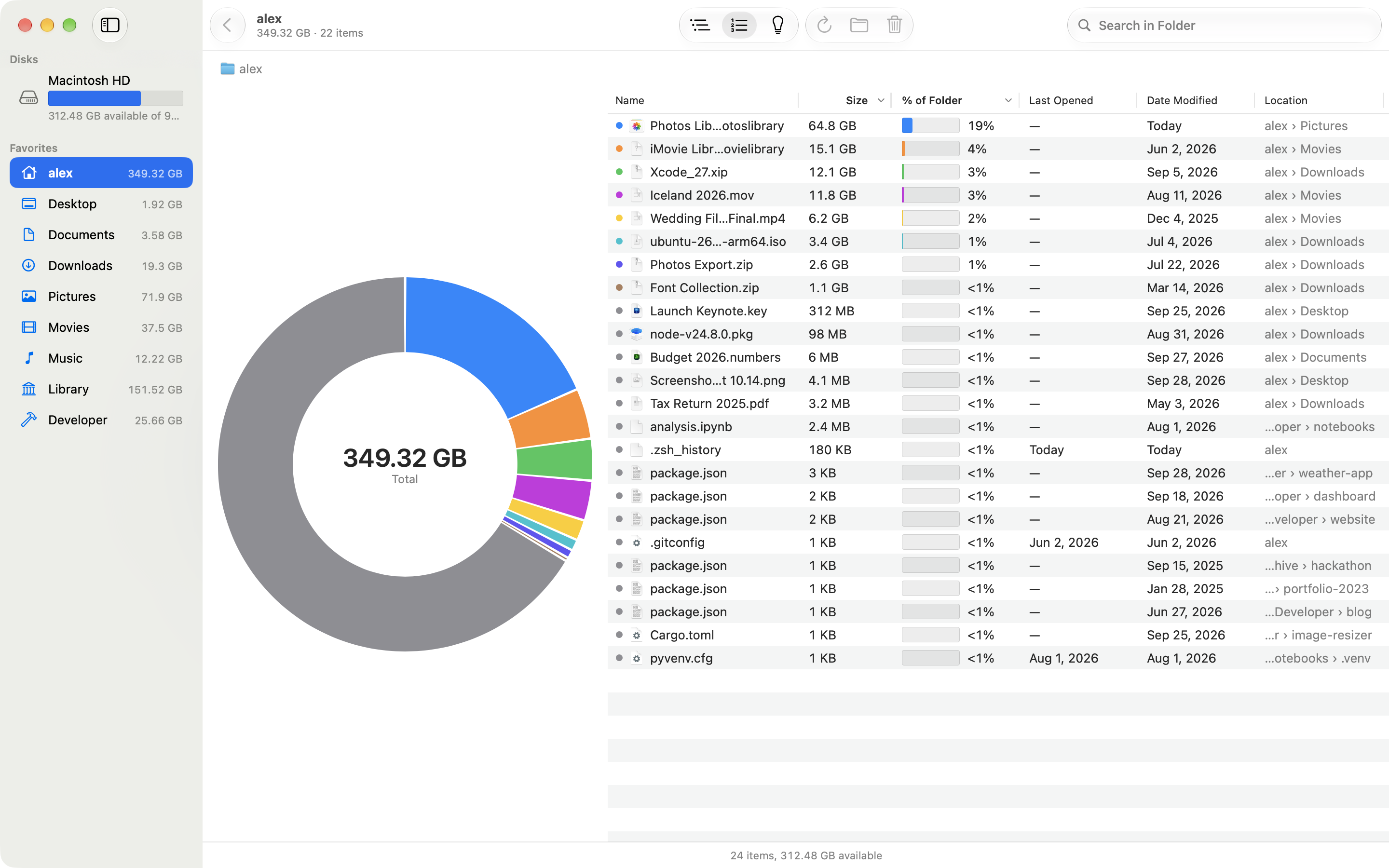
List the 100 largest files in a folder and everything inside it, with where each one is.
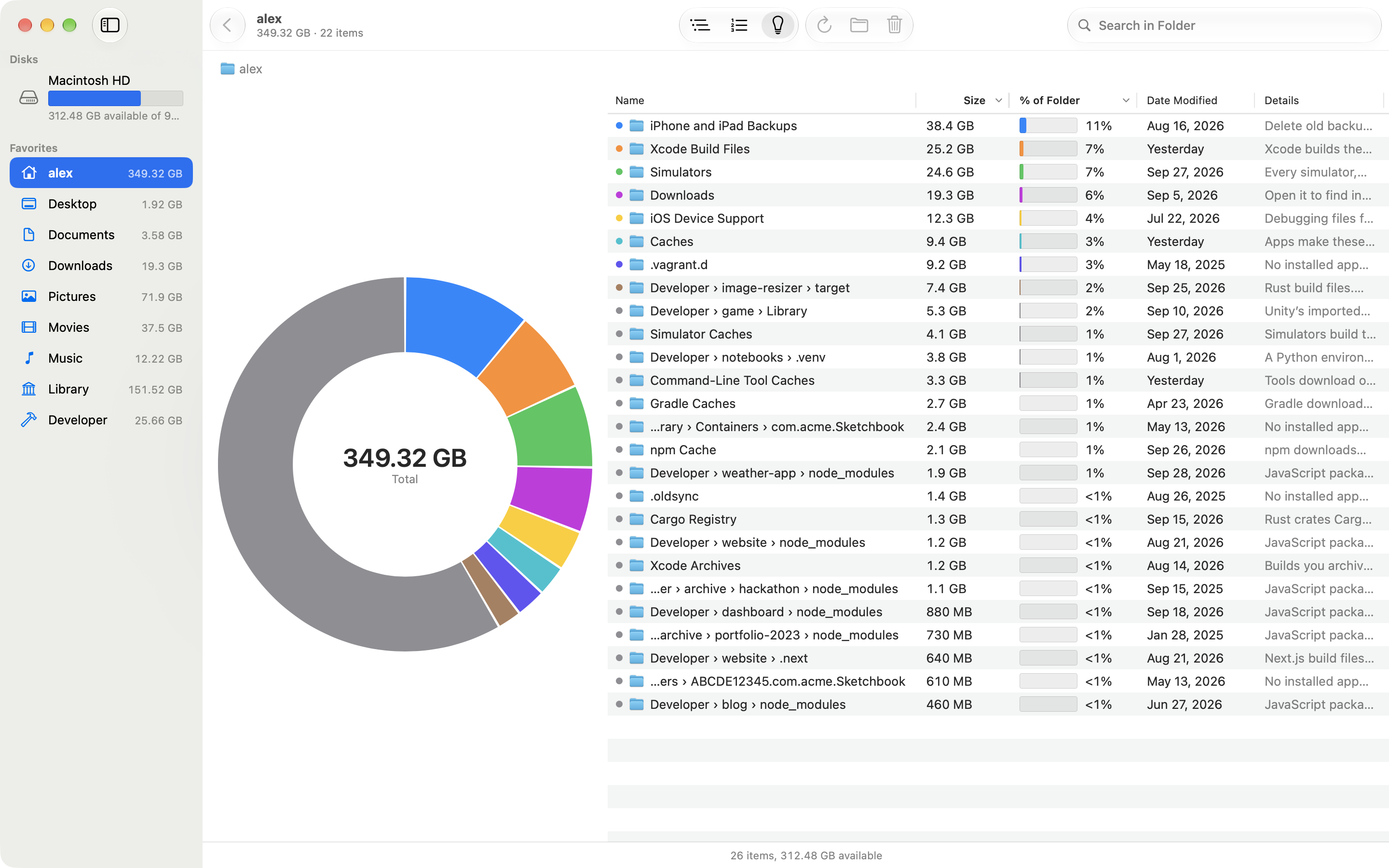
Build folders, caches and data from deleted apps, each with a note on what clearing it does.
Quick Look, Move to Trash and familiar shortcuts. Moving to the Trash always asks first.
Diskbite reads names, sizes and dates to measure folders. It does not read what is inside your files, use the network or send anything to HK Softworks.
Start with the task in front of you.
Allow Diskbite to read a disk, watch the scan fill in and read the donut and list.
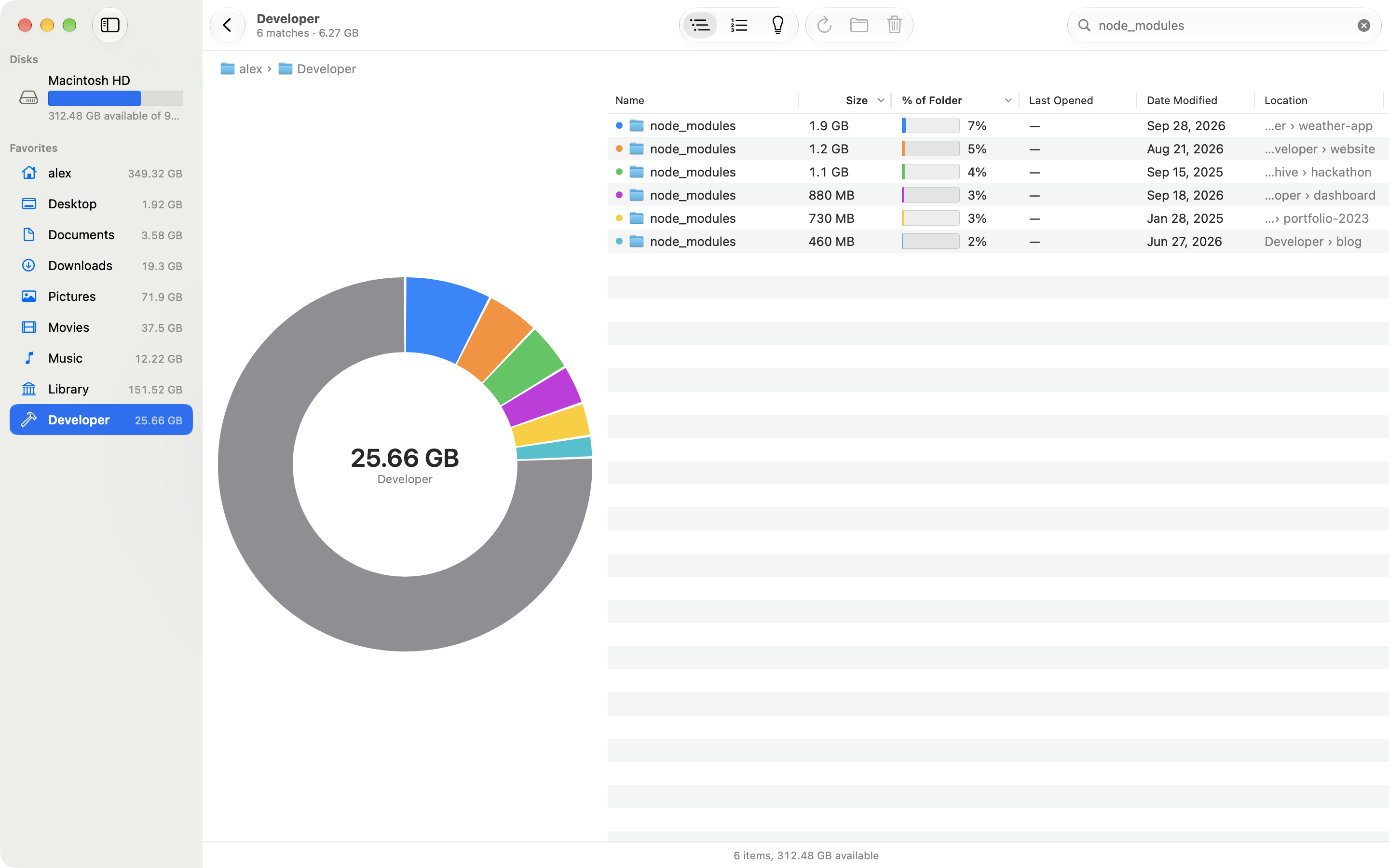
Use Largest Files, search and Last Opened in Diskbite to find the items worth a closer look.
Review build folders, caches and data from deleted apps in Diskbite, then move what you no longer need to the Trash.
Let Diskbite measure the folders macOS protects, and understand the Hidden Space slice.
No. Diskbite moves an item to the Trash only when you choose Move to Trash, and it asks first. The space comes back when you empty the Trash.
Diskbite runs in the App Sandbox, so macOS lets it read a disk or folder only after you allow it in the Open panel. Diskbite remembers the choice.
No. It lets Diskbite measure folders macOS protects, such as Mail, Messages and Safari data. Without it, those folders are left out and the status bar says so.
Diskbite does not promise that. Each suggestion says what happens if you clear it, such as Xcode building the files again, so you can decide.
Not yet. Diskbite is finishing development and is not listed on the Mac App Store yet.