Seyvd guides.
Protect files, check backups and restore.
Set up encrypted Mac backups, choose storage, schedule runs, verify protection and restore files.
Start here.
Set up your first Seyvd backup
Choose folders, add storage, set encryption and start a scheduled Mac backup.
Open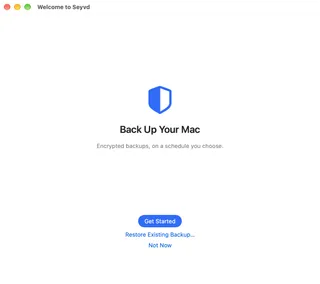
Check Seyvd backup health
Read the protection checks, verify stored content and compare backup destinations.
Open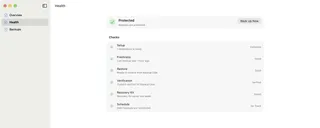
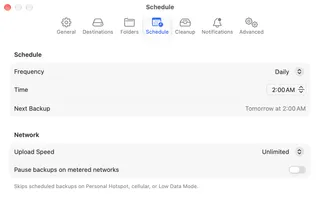
Schedule and clean up Seyvd backups
Set an automatic backup time, limit network use and choose how long old backups stay available.
Open