
Otherdesk guides.
Connect to your Mac, then use it.
Turn on Screen Sharing, add a Mac, use the pointer and keyboard, then fit the display to this screen.
Start here.
Connect Otherdesk to your Mac
Turn on Screen Sharing, find a nearby Mac or enter its address and sign in with the name and password you use on that Mac.
Open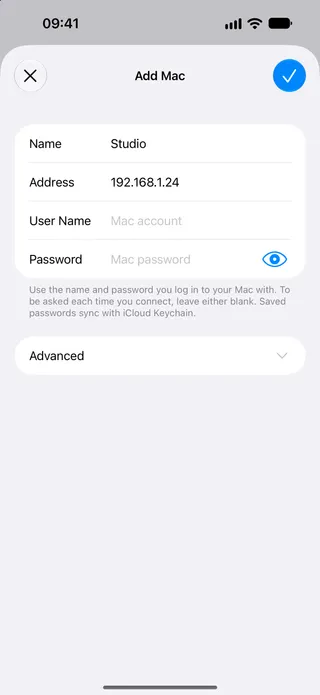
Control your Mac with the pointer
Move the pointer, click, drag, zoom and right-click on the Mac from iPhone or iPad.
Open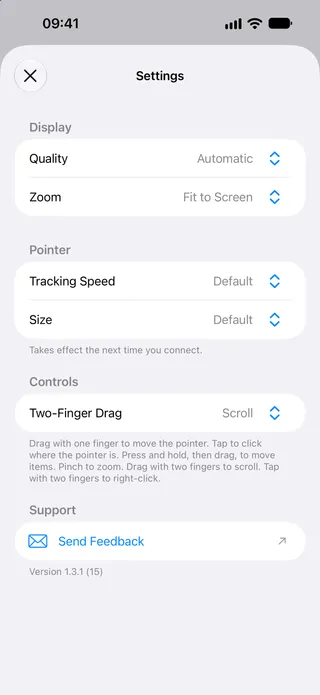
Adjust display and pointer
Choose quality, zoom, tracking speed and pointer size so the Mac fits this screen.
Open