
Control your Mac with the pointer
Move the pointer, click, drag, zoom and right-click on the Mac from iPhone or iPad.
iPhoneiPad
The session is a live view of the Mac. Your finger moves the Mac’s own pointer and clicks wherever it is.
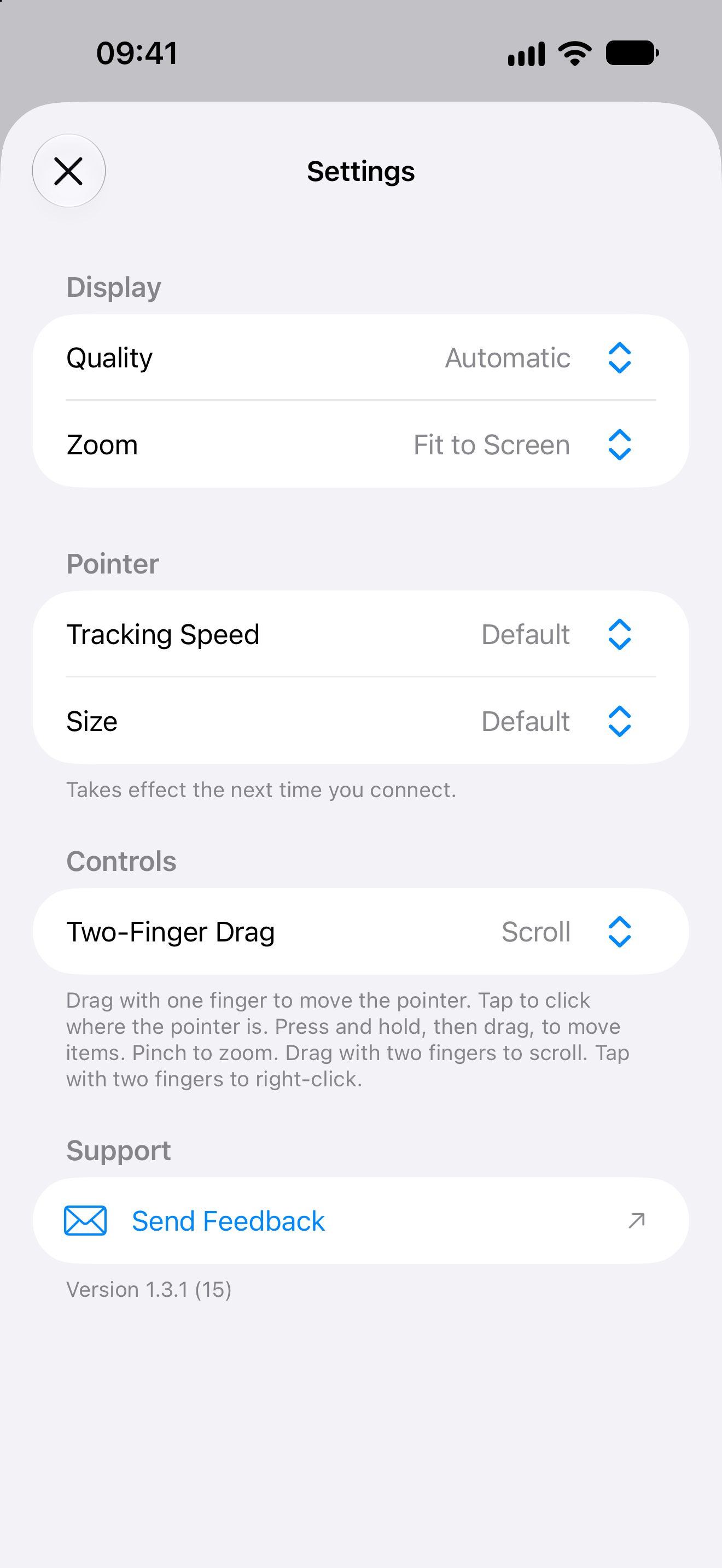
Pointer and gesture settings
iPhone
Choose your pointer controls
Drag to move the pointer. Tap to click where it is.
iPad
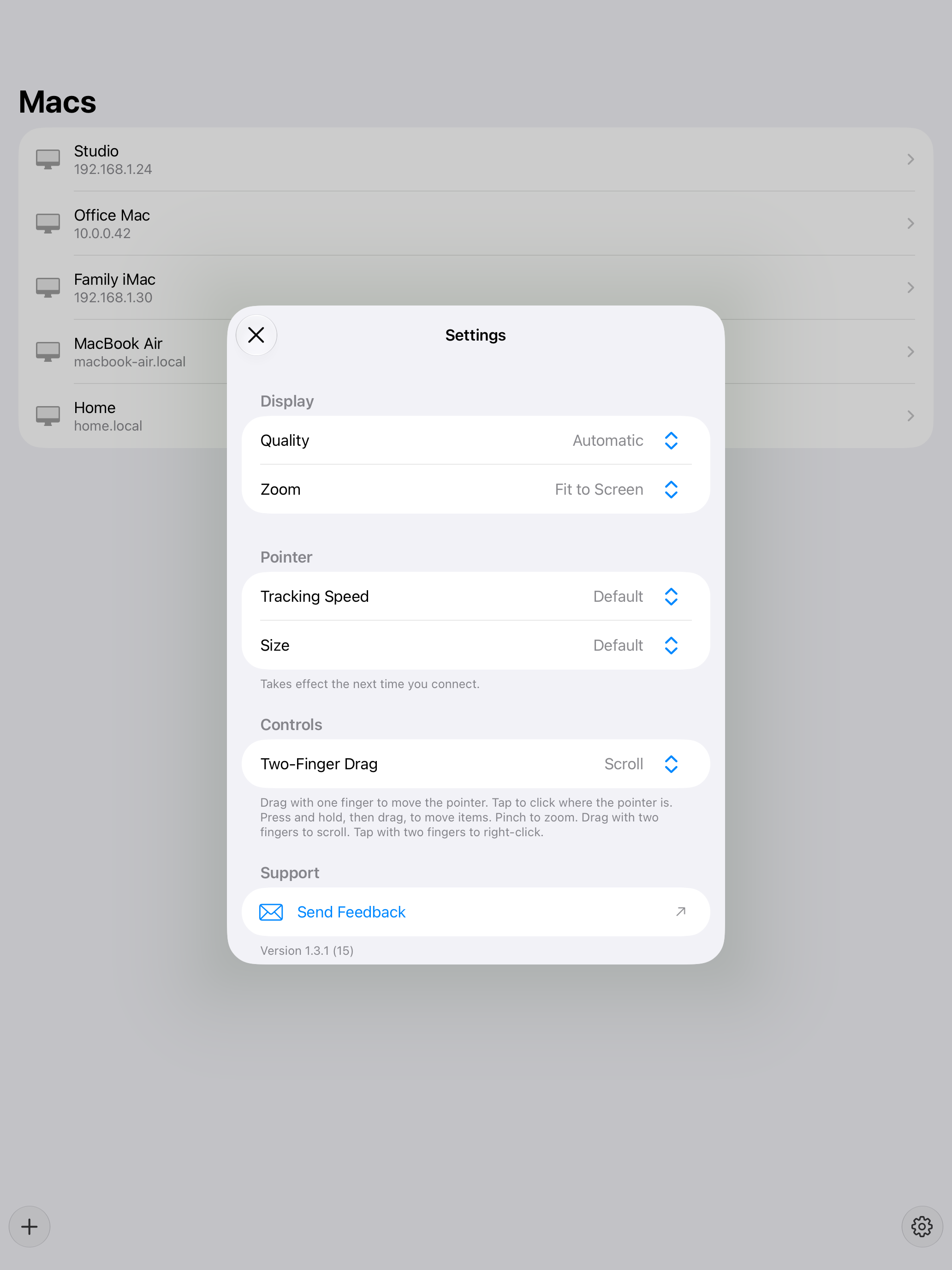
The same controls on iPad
Choose whether two fingers scroll the Mac or pan around its screen.
Pointer
- Drag with one finger to move the pointer.
- Tap to click where the pointer is.
- Press and hold, then drag, to move items.
- Pinch to zoom. Tap Zoom on the toolbar to fit the screen or return to your zoom.
- Drag with two fingers to scroll the Mac. Choose Two-Finger Drag in Settings to pan around its screen instead.
- Tap with two fingers to right-click.
Tracking speed and pointer size live in Settings. Those changes apply the next time you connect.
If the session drops, Otherdesk reconnects. Stay on the same local network as the Mac.