
Diskbite guides.
Measure a disk, then make room.
Measure a Mac disk, find the largest files and folders, clear space with Suggestions and allow Full Disk Access.
Start here.
The main path through the Mac app.
Measure your first disk with Diskbite
Allow Diskbite to read a disk, watch the scan fill in and read the donut and list.
Open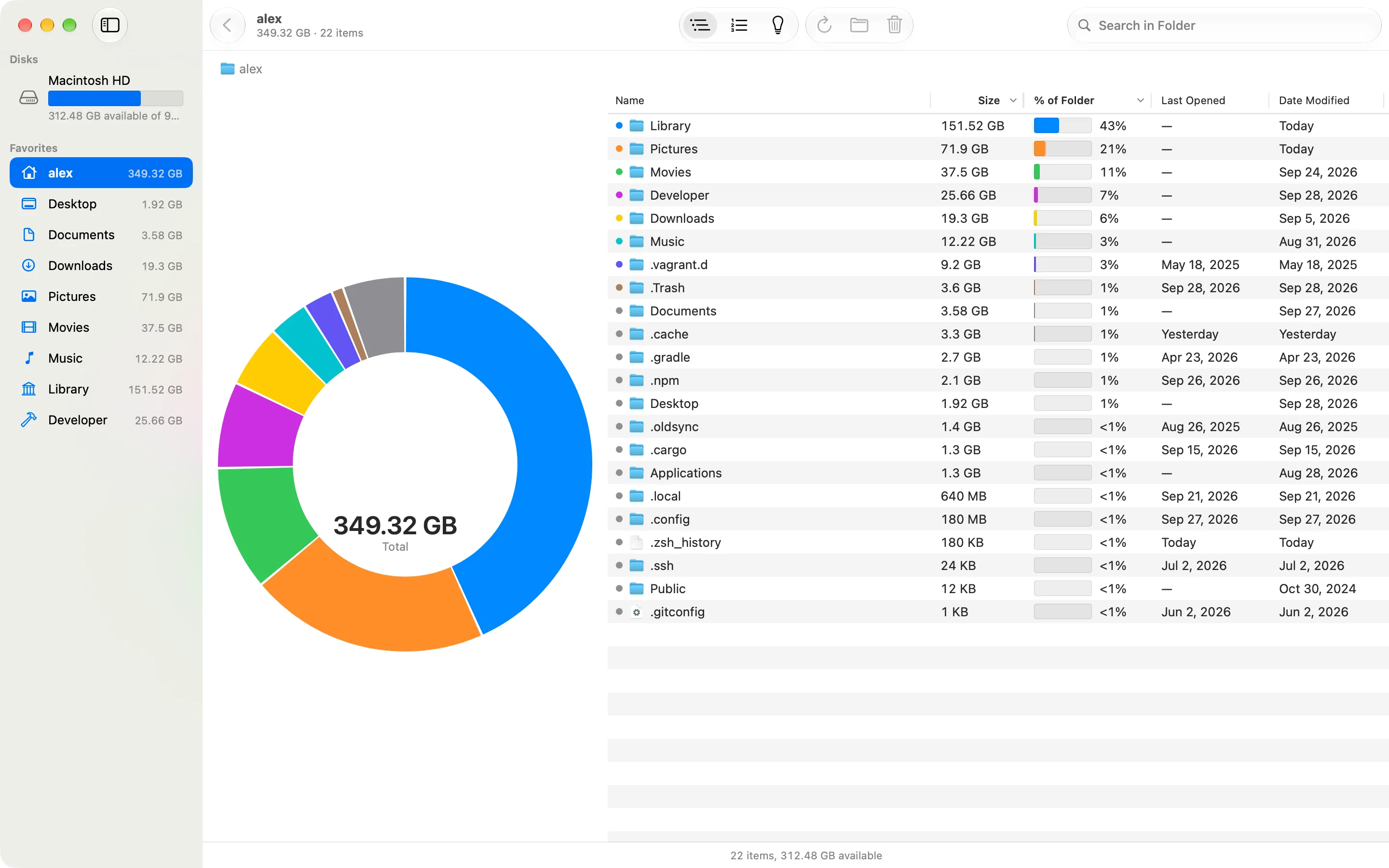
Find what takes space on your Mac
Use Largest Files, search and Last Opened in Diskbite to find the items worth a closer look.
Open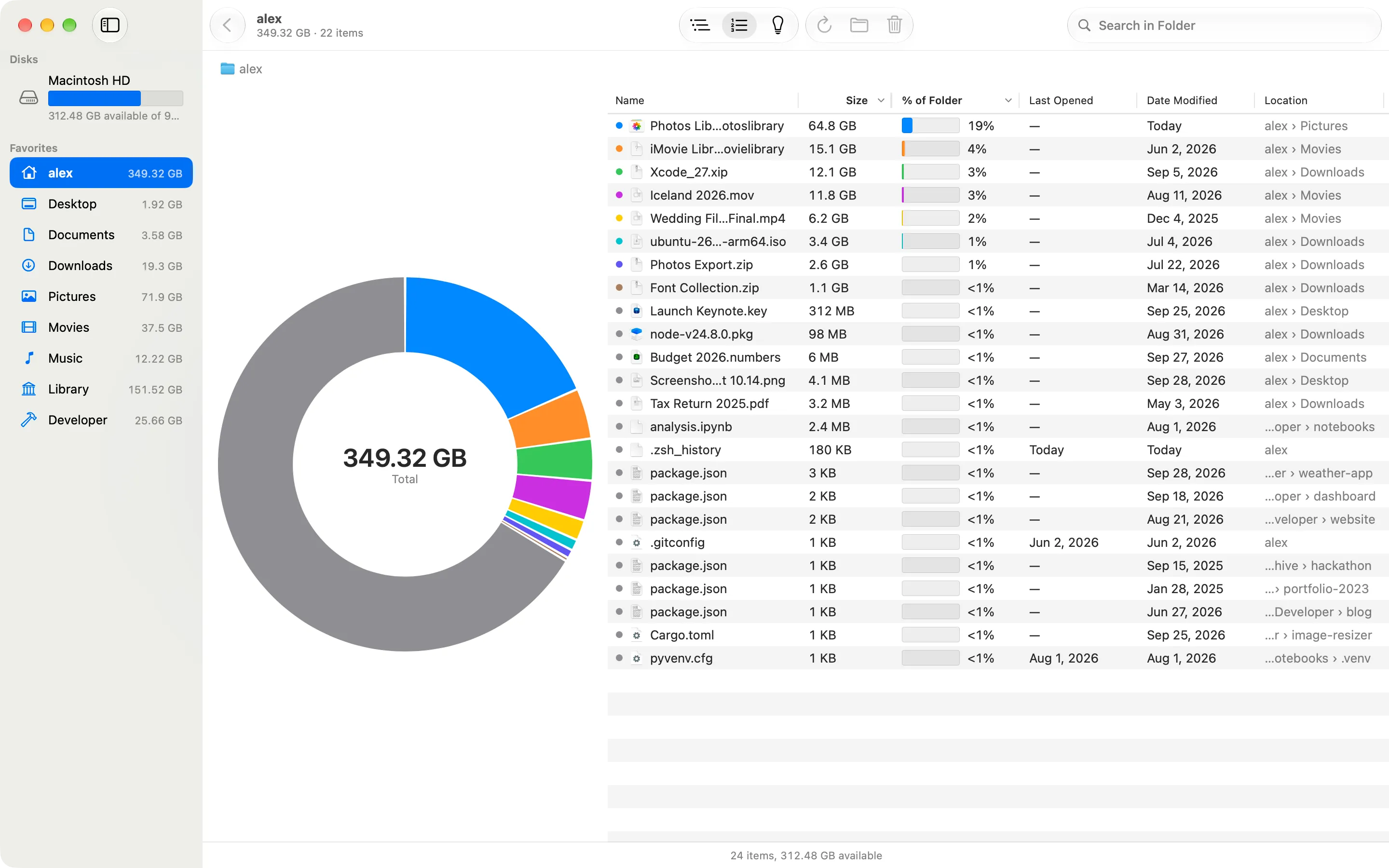
Clear space with Suggestions
Review build folders, caches and data from deleted apps in Diskbite, then move what you no longer need to the Trash.
Open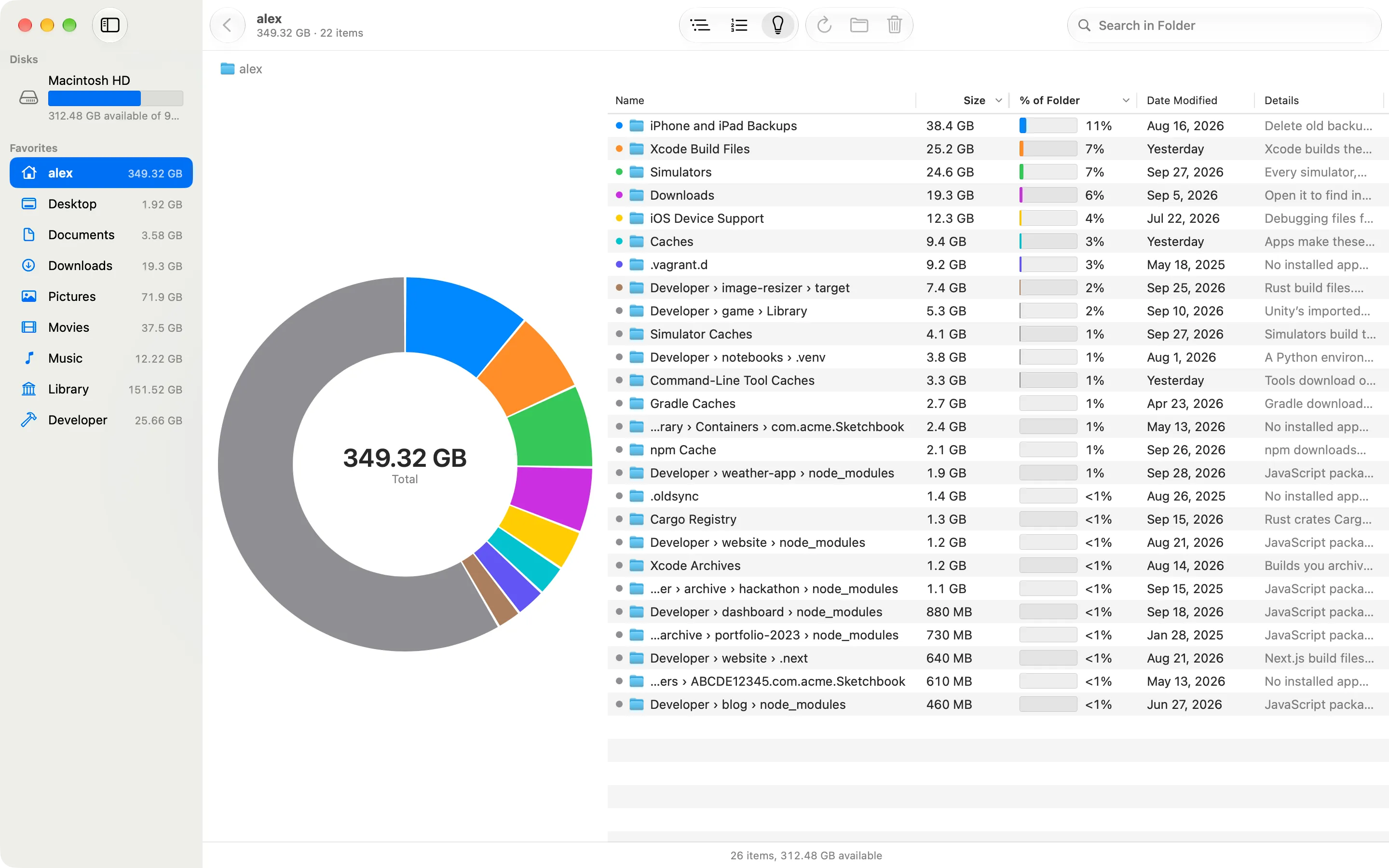
All Diskbite guides.
Open the task you need and follow the Mac route.