

If you want flashcards without ads, accounts or tracking, Swiftflip is a private alternative built for Apple devices.
What makes Swiftflip private
- no ads and no tracking
- no account or email required
- study data stays on your devices and in iCloud
Built for Apple devices
- iPhone, iPad, Mac and Apple Watch
- spaced repetition for long-term recall
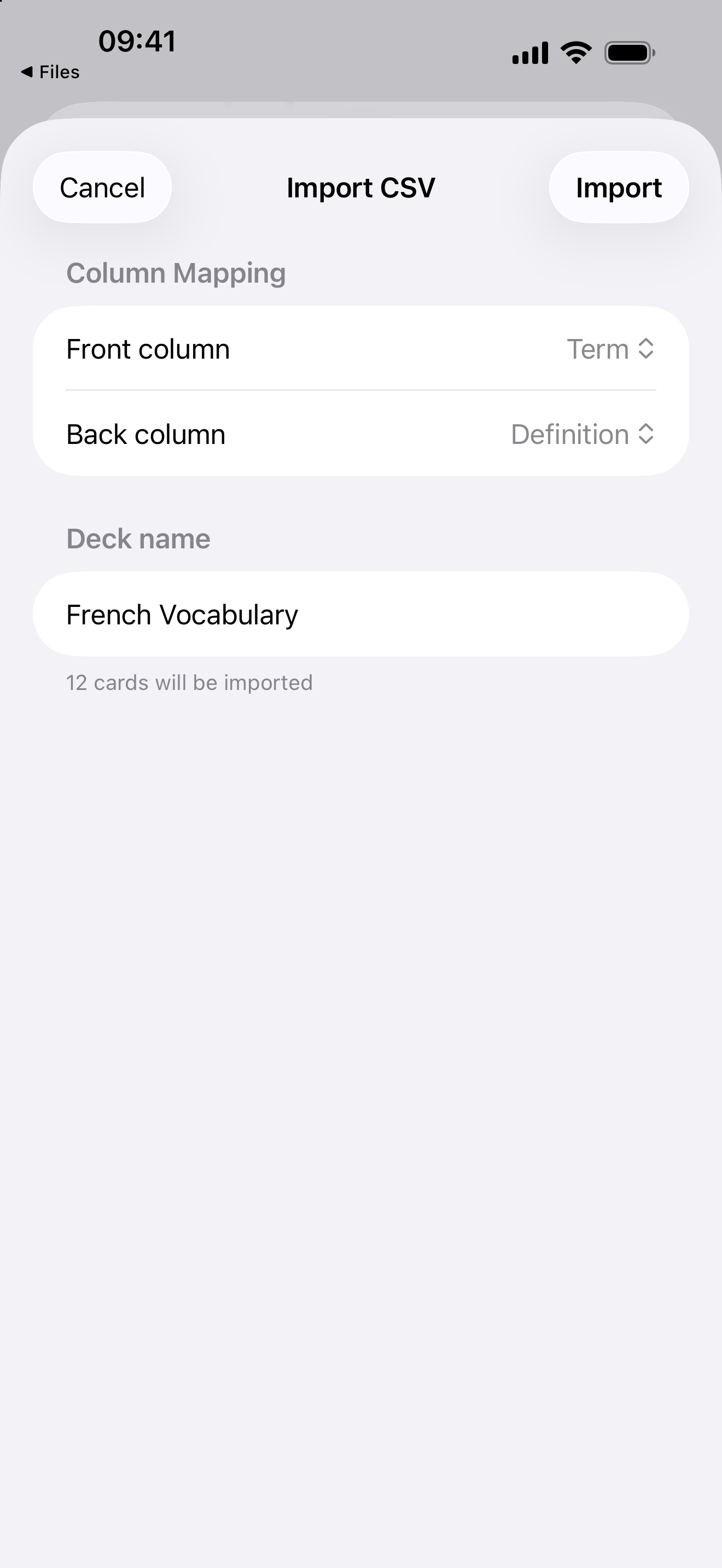
- import from CSV, including sets exported from Quizlet
Swiftflip and Quizlet at a glance
| Capability | Swiftflip | Quizlet |
|---|---|---|
| Account required | No | Yes |
| Ads on the free tier | None | Yes |
| Sync | Private iCloud | Cloud account |
| Native Apple Watch app | Yes | No |
| Spaced repetition | Yes, built in | Varies by plan |
| Price | Free, optional Premium | Free with paid plans |
Comparison checked June 2026. Quizlet features can change, so verify current details on the Quizlet website.
What to do next
Bring one set over with the CSV import guide, then practice it across your devices to compare the daily flow.