
SwiftflipVersion 1.23.0
 Swiftflip
 1.23.0 brings new Insights, card filters, Starter Decks and more
See how many of your cards you would remember today, filter a deck's cards, add a finished Starter Deck and keep your streak on days with nothing due.
On this page
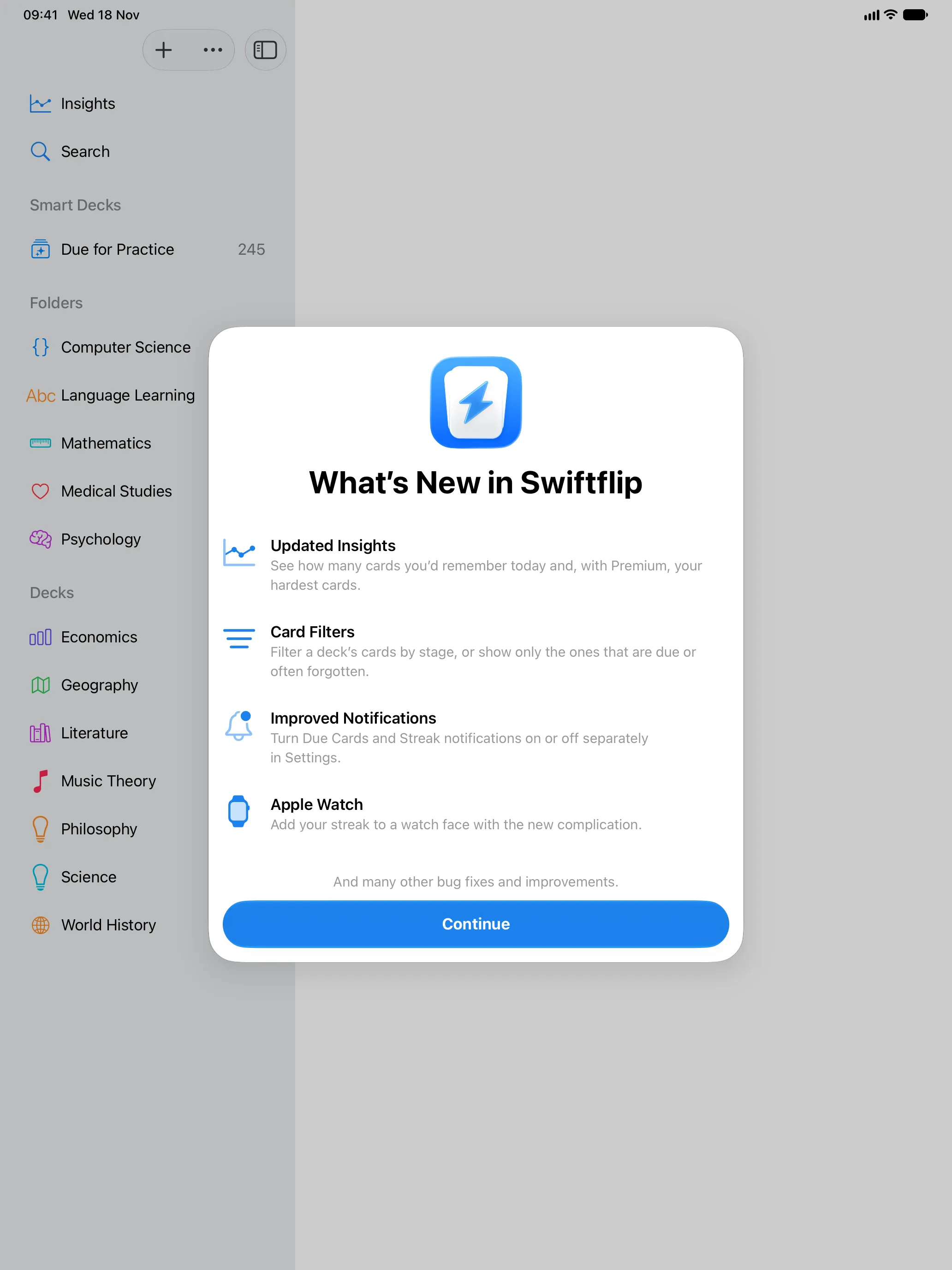
Swiftflip 1.23.0 shows how many of your cards you would remember today. It also adds card filters, Starter Decks and a set place for new cards in every practice session.
What you would remember today
The Memory card in Insights shows how many of your cards you would remember if you were asked them right now, and how that number changed over the last 30 days. It is free, like the streak.
Premium adds Memory by Deck, Hardest Cards, Keeping Up and Best Time of Day. Keeping Up shows whether you practice on time and Best Time of Day shows when you remember best. The Library card now needs Premium too, except for your current streak.
Deck and card insights
With Premium, Deck Insights and Folder Insights open with what you know there and the hardest cards. Card Insights lead with your chance of remembering the card today, show every review on a timeline and let you pause the card. Understand your study and card insights walks through each card.
Filter your cards
A deck’s card list now filters by stage, or shows only the cards that are due or often forgotten. Smart decks add Stage, Has Audio and Contains Text filters. Search filters by stage too, and Save as Smart Deck keeps a search you want to come back to.
Starter Decks
Starter Decks are finished decks from Languages, Science or The World, and they are free. Add one in Your First Deck, the step that ends the first launch. In See All on iPhone and iPad, tap an added deck’s checkmark to take it back out.
Version 1.23.0 also listed Starter Decks in New Deck. Since version 1.23.1 they are in Your First Deck only.
A new start
The first launch explains flashcards and spaced repetition, plays a short tutorial with four real questions and ends on Your First Deck. Start there with a Starter Deck, write your own cards, import a file or create cards with AI.
Practice and your streak
Card Mix keeps a set number of places in each session for new cards, so new cards no longer crowd out the reviews that are due. A correct answer can come back after one day and the longest interval is one year. A session that runs past midnight counts on the day it started.
Days with nothing to practice no longer break your streak.
Notifications
Due Cards and Streak notifications have their own switches in Settings, and the app badge can count Due Cards, Due Decks or Sessions. An unanswered reminder is followed by one more. The streak reminder comes only when there are cards to practice.
Apple Watch and widgets
A rectangular complication puts your streak on a watch face. When no cards are due, the watch offers practice anyway, and Practice More continues from the finish screen.
On the Lock Screen, the rectangular Due Now widget shows the count, when the next card is due and your streak. Week Rhythm shows free users the cards due and the days practiced, and its tall size shows two weeks.
Crash reports
After Swiftflip closes unexpectedly, it asks before sending a crash report. Nothing is sent unless you choose to, and Send Crash Reports turns Always Send on or off. Our privacy policy lists what a report contains.
English only
Swiftflip is now in English only. Cards you make with AI are still written in the language of their topic or deck.