
Swiftflip 1.21.0 adds a Deck widget and a due cards control
Practice due cards from Control Center, put one deck on the Home Screen, add a picture and a recording to either side of a card and see upcoming reviews in Insights.
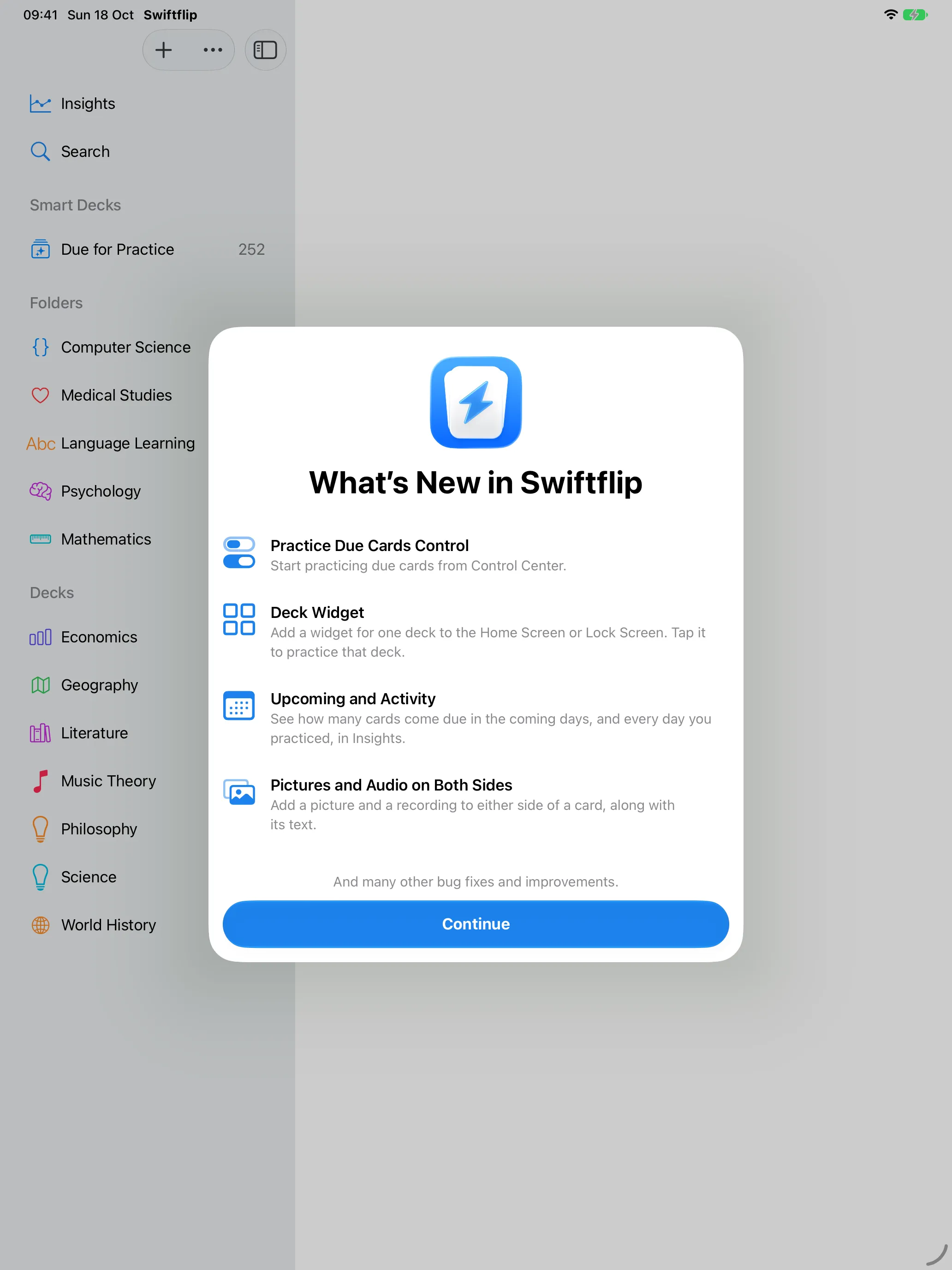
Swiftflip 1.21.0 adds a Practice Due Cards control, a Deck widget, pictures and audio on both sides of a card, and Upcoming and Activity in Insights.
Practice Due Cards control
Start practicing due cards from Control Center. On iPhone the control also fits the Lock Screen and the Action button.
Deck widget
Choose one deck for the widget and tap it to practice that deck. It works on the Home Screen and Lock Screen on iPhone and iPad, and on the desktop on Mac.
Pictures and audio on both sides
A side of a card can now hold text, a picture and a recording together. On iPhone and iPad, a bar above the keyboard formats the text.
Upcoming and Activity
Premium Insights shows how many cards come due in the coming days and a calendar of every day you practiced.
Import from Files
Open Anki and CSV files from the Files app on iPhone and iPad. An import shows its progress and stops with Cancel.
Undo a missed card
Undo the answer to a card that came back after a miss.