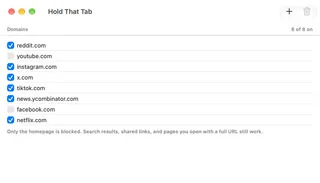
Hold That Tab guides.
Set up Safari, then shape your list.
Enable homepage blocking, keep direct links available and use the same list on your Macs.
Start here.
Set up Hold That Tab in Safari
Enable the Safari content blocker on your Mac, choose the profiles that use it and check that homepages stop while direct links still open.
Open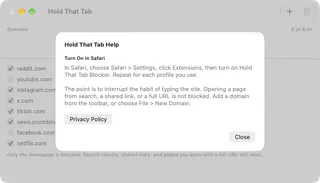
Manage and sync your blocklist
Add and pause domains, understand homepage matching, undo a deletion and keep the same list available on your Macs through iCloud.
Open