
Brevier 1.2.0 helps you read books in other languages
Learn translates and explains passages in another language, the library sorts and edits books, and the page curl follows your finger.
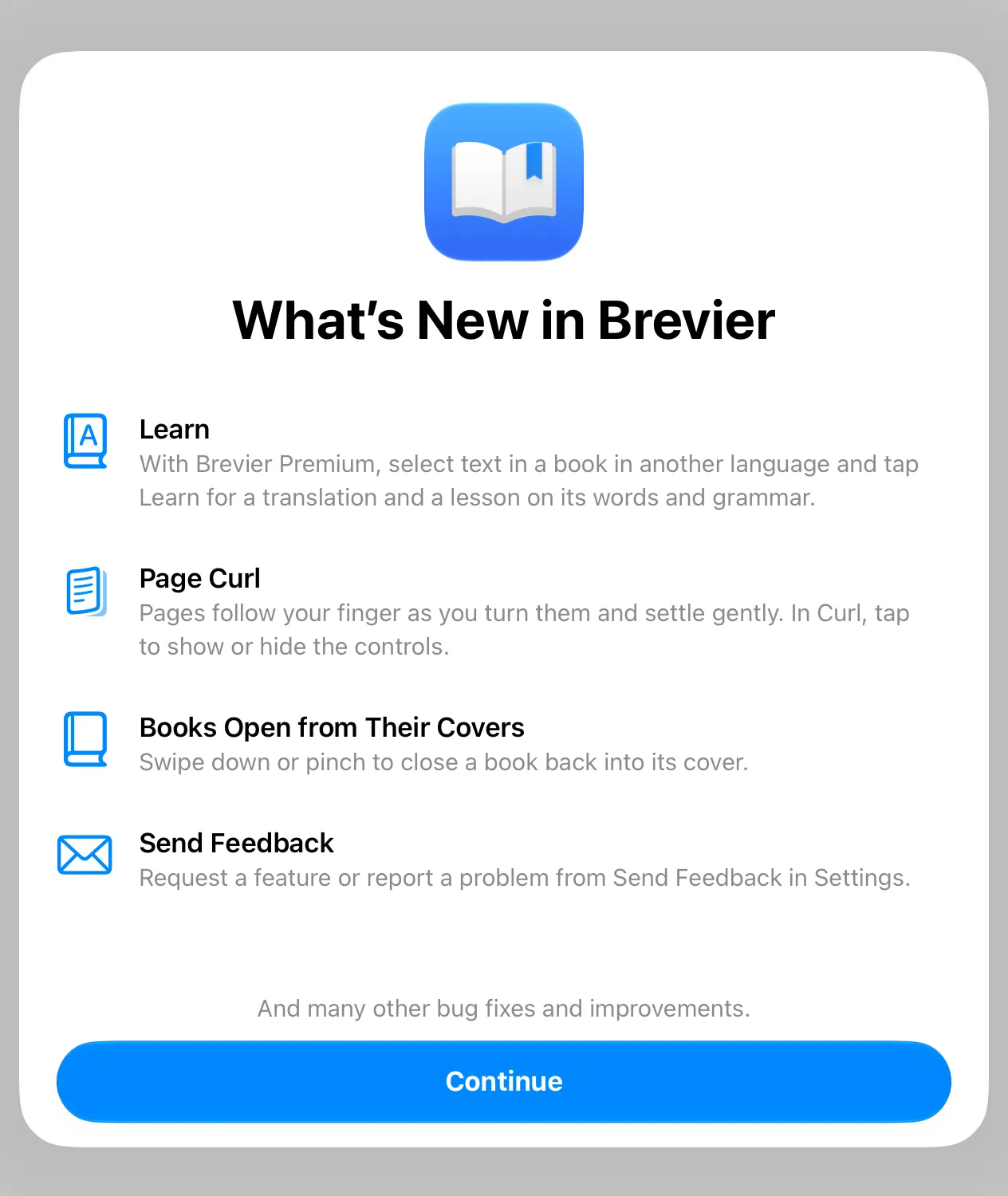
Brevier 1.2.0 is available now on iPhone, iPad and Mac. It adds Learn for books in another language, sorting and Book Info in the library and a page curl that follows your finger.
Learn
Select text in a book in another language and choose Learn. Brevier gives a translation, then a short lesson on the words and grammar in it. Learn is part of Brevier Premium.
Sort and edit your library
Sort books by recent, title, author or progress. Change a book’s title, author or cover in Book Info.
Page curl
On iPhone and iPad, a page follows your finger as you turn it and settles gently when you let go. In Curl, drag a page to turn it and tap to show or hide the controls. Books open out of their covers in the library. Swipe down or pinch to close one.
More of every page
Scrolling text runs to the edges of the screen and the bars sit in the page’s margins. An open iPhone Duo shows facing pages, as iPad does.
Send Feedback
Request a feature or report a problem from Send Feedback in Settings, or from the Help menu on Mac.
Other changes
Explain answers can use lists and emphasis. This update also fixes issues with Explain and search.