
Brevier 1.1.0 opens PDFs and adds bookmarks
Read and annotate PDFs, bookmark pages, open footnotes over the page, justify text and continue a book on another device with Handoff.
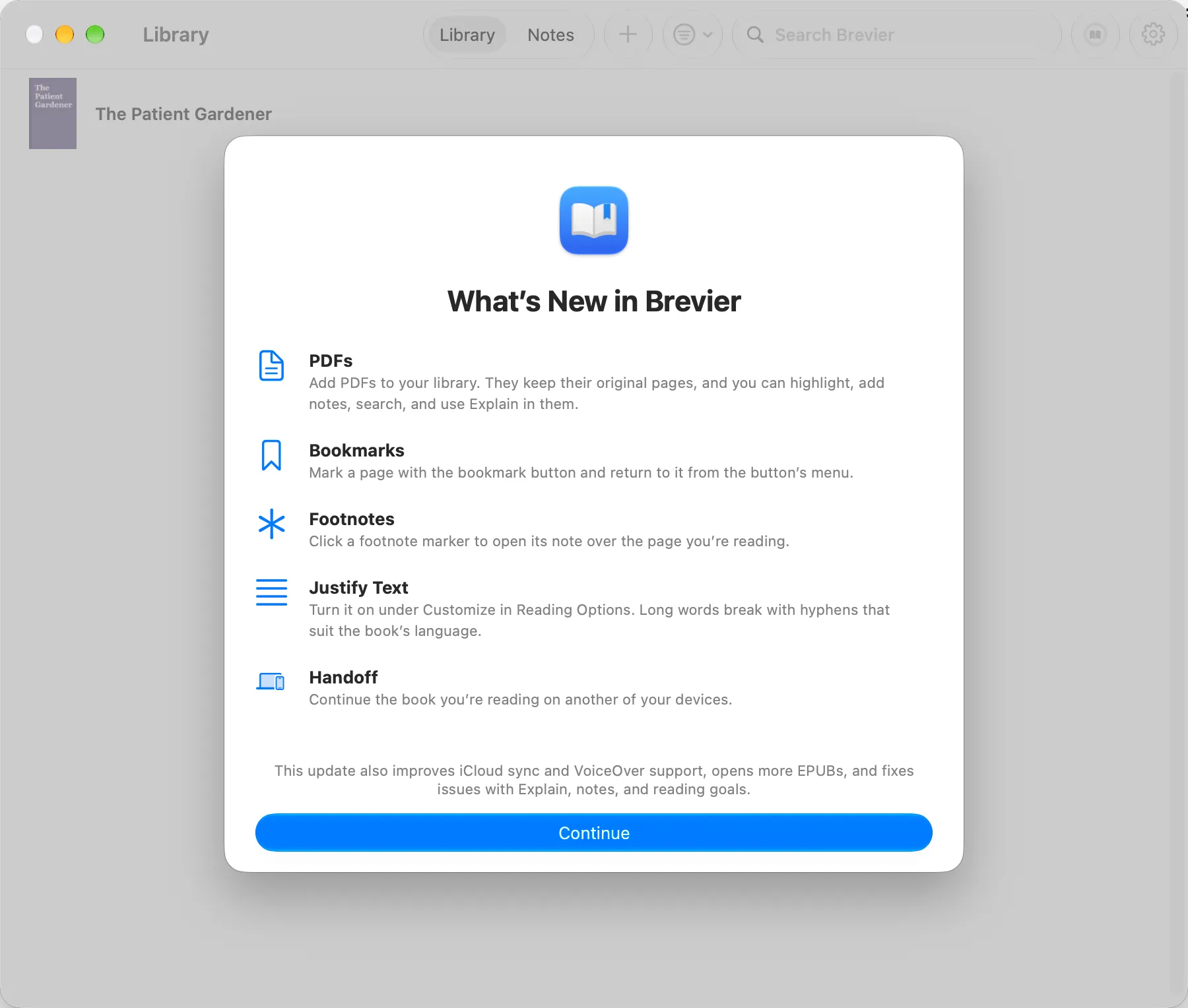
Brevier 1.1.0 is available now on iPhone, iPad and Mac. It adds PDFs, bookmarks, footnotes over the page, justified text and Handoff.
PDFs
Add PDFs to your library the same way as EPUB and text books. A PDF keeps its original pages and uses its first page as the cover. Highlights, notes, search and Explain work in PDFs too.
PDFs sync through iCloud like your other books. A device still on Brevier 1.0.0 leaves them out until it updates. PDFs locked with a password can’t be opened.
Bookmarks
Mark a page with the bookmark button, or with Command-D on Mac and iPad. Return to a marked page from the button’s menu. On iPhone and iPad, touch and hold the button to open it. Bookmarks sync with the rest of your library.
Footnotes over the page
Tap or click a footnote marker to read its note without leaving the page.
Justify Text
Turn on Justify Text under Customize in Reading Options. Long words break with hyphens that suit the book’s language.
Handoff
Continue the book you’re reading on another of your devices, at the same place.
Other changes
Reading positions, notes and Explain conversations sync more reliably through your own iCloud. After a jump, go back from the Reading menu or with Command-[ on Mac and iPad.
VoiceOver can turn pages, says where text is highlighted or has a note and offers Explain, Highlight and Add Note. Brevier also opens more EPUBs and fixes issues with Explain, notes, search and reading goals.