

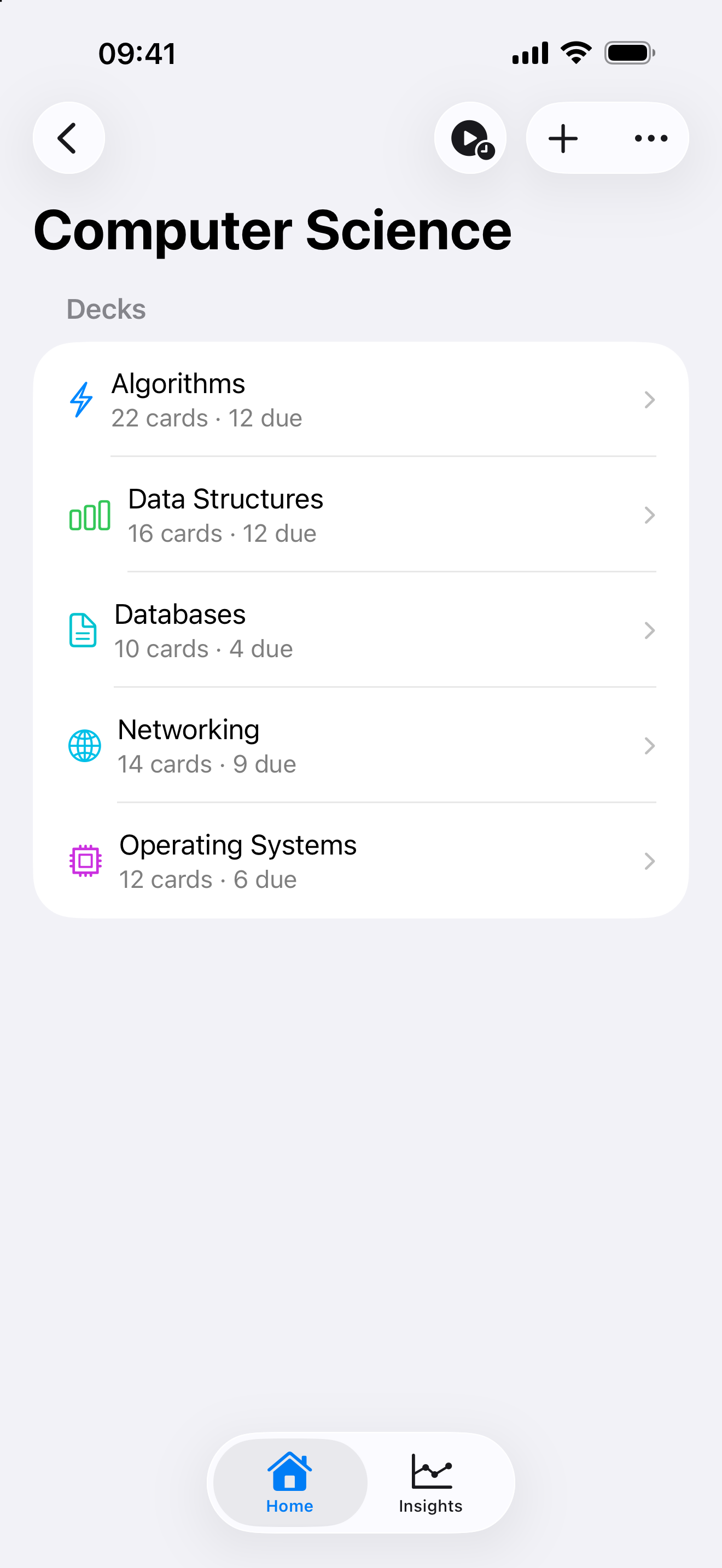
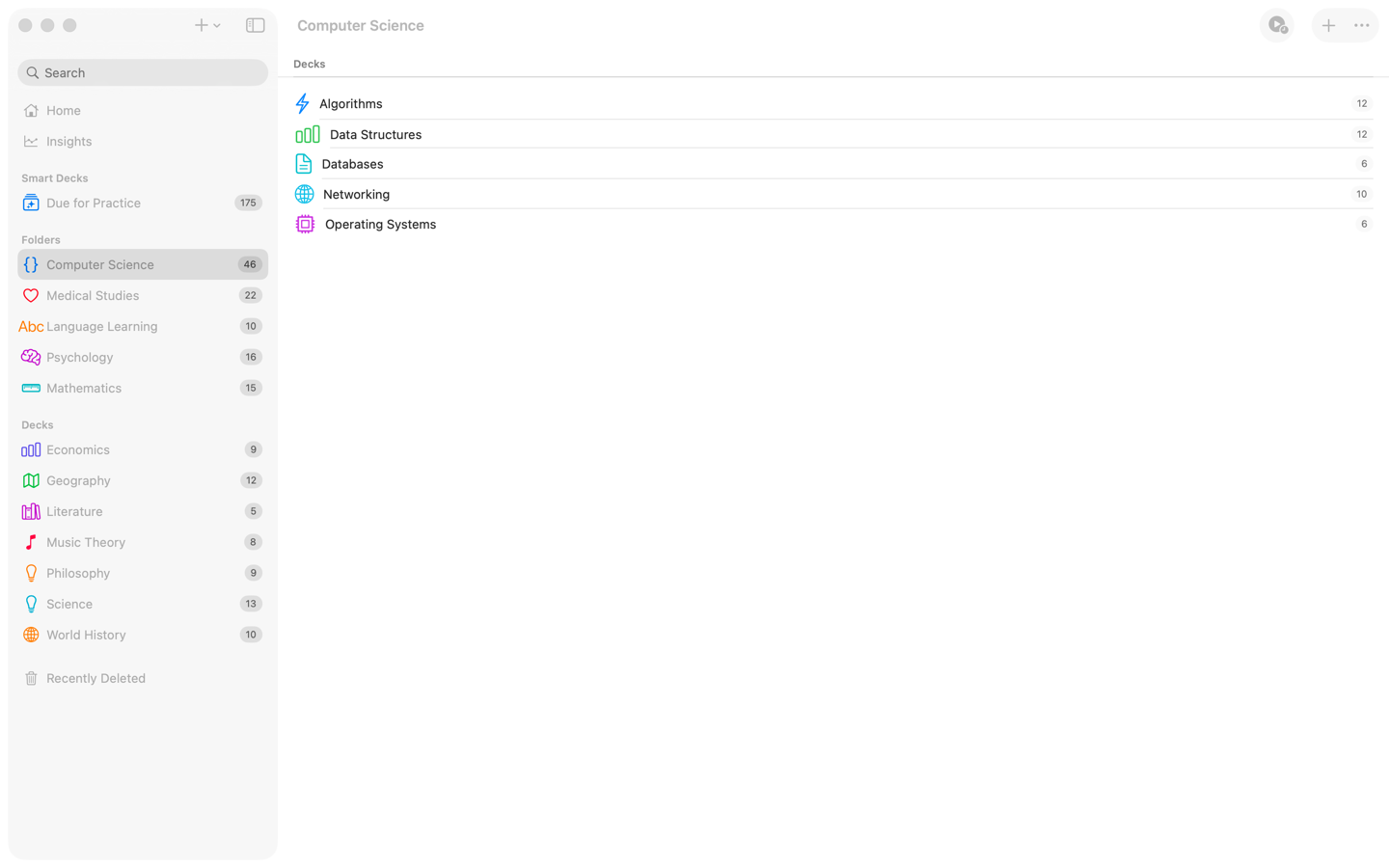
A flat list of decks works for a while. Past 20 or 30 decks it starts to slow you down. Swiftflip Folders give you a way to group related decks into nested hierarchies with their own icons and colors.
Nested deck organization
Folders can be nested as deep as you need. A pattern that works for most subjects:
- a top-level folder for a course or language
- nested folders for topics or chapters inside it
- decks for the actual material at the leaves
Folders can be moved between other folders and decks can be reorganized inside them.
Custom icons and colors
Each folder gets its own icon and tint. Search emoji and symbols together when you pick a mark. Color helps the eye find the right folder when you have several side by side.
Practice a whole folder
Open a folder and tap Practice to mix cards from every deck inside it into one session. This is useful when you want broad coverage across a course rather than focused review on one deck. On Apple Watch, open a folder and practice its due cards.
Folder insights
Folders also have their own Insights view. Library totals, accuracy charts and study activity scope to the folder so you can see how a course is going without filtering by deck.
Smart Decks can filter by folder
Smart Decks have an “In Folders” rule. Use it to scope a Smart Deck to a folder and everything nested inside, then layer in other rules like card streak thresholds or due status.
Folders are Premium
Folders are part of Swiftflip Premium. Free users keep a flat deck list, which is enough for smaller collections.