
Documents become drafts
Import a receipt or invoice, inspect the extracted fields and keep the source document attached to the bookkeeping draft.

Smartbok
Swedish bookkeeping, kept under review.
Smartbok brings receipts, drafts, reports and year-end work into one local Mac workspace. Nothing posts until you approve it.
Smartbok is under active development. The current build is not available on the Mac App Store.
Captured from the working app, using sample data.
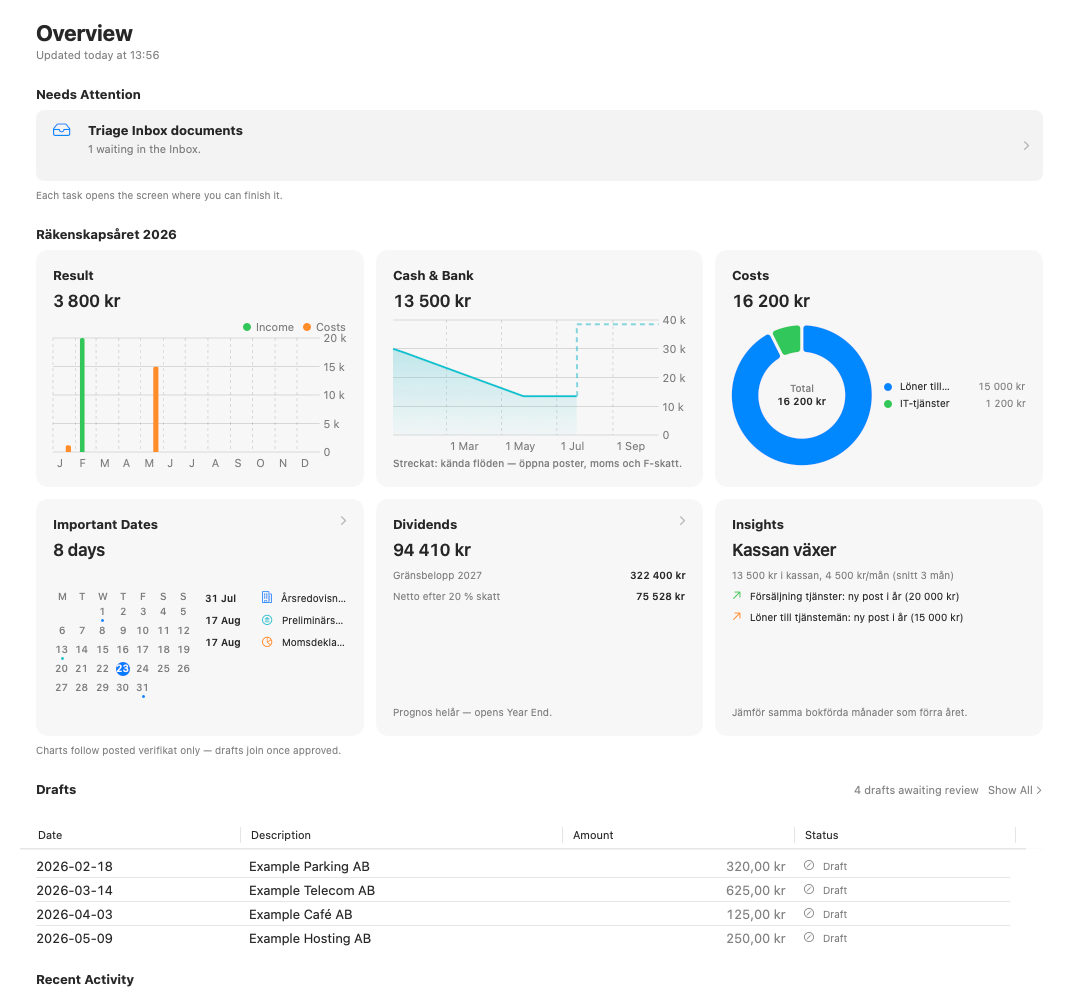
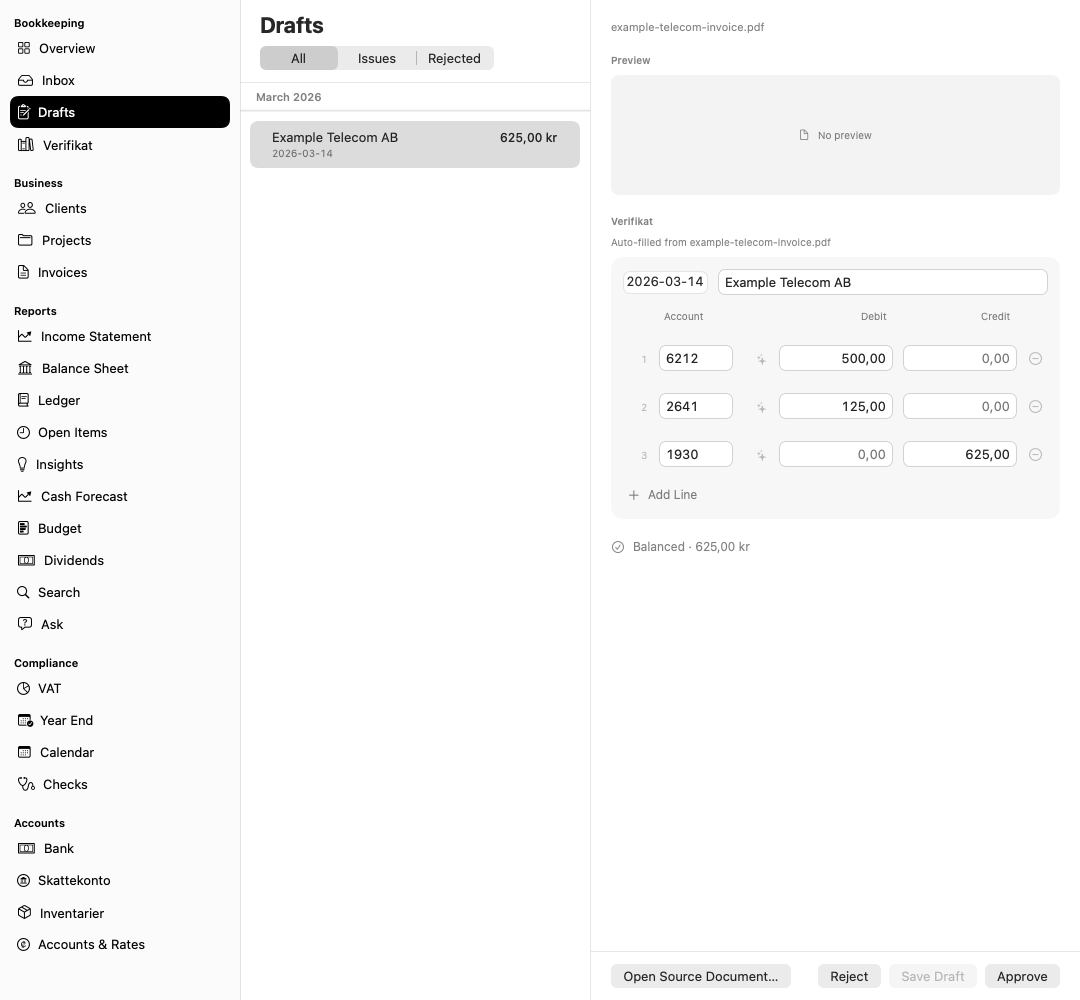
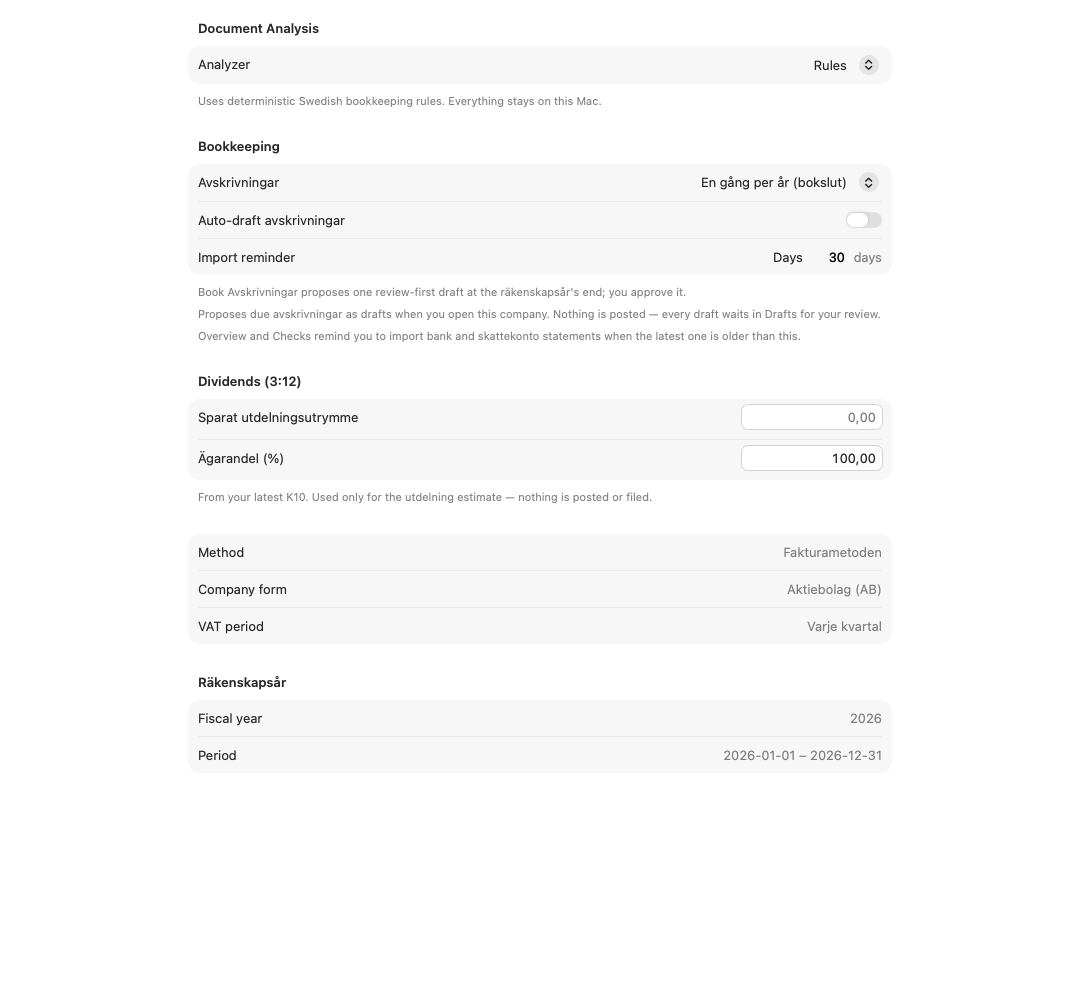
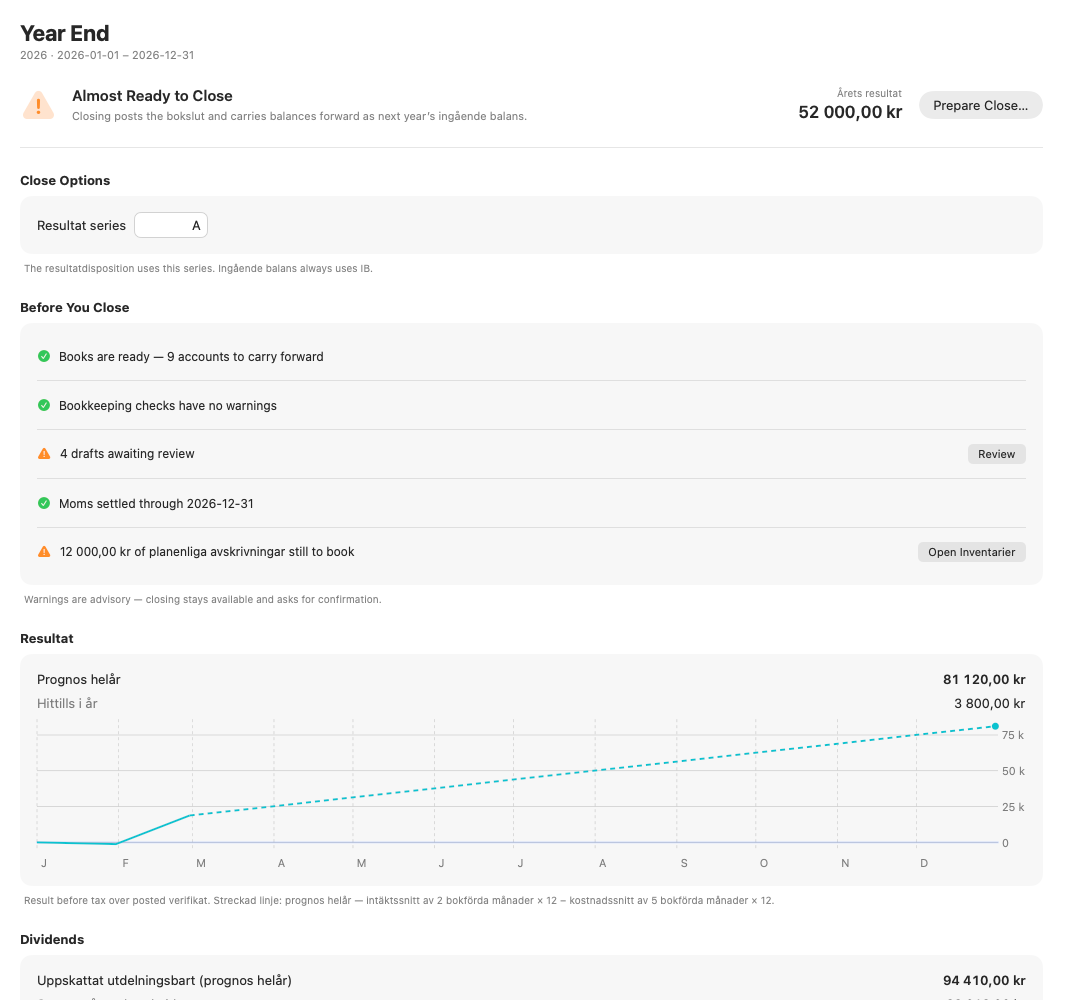
The parts that already work in the current development build.
Import a receipt or invoice, inspect the extracted fields and keep the source document attached to the bookkeeping draft.
Drafts wait for approval. Balance checks, correction rules and locked periods stop unsafe changes before they reach the journal.
Work with BAS accounts, momsperioder, SIE files, bank activity, Skattekonto data and SEK reporting from the same company file.
Follow income, balance, open items, VAT, assets and the year-end checklist without rebuilding the same context in separate tools.
Set up the company, add source documents, review drafts and close each reporting period.
Start a company folder or bring in a Bokio or Fortnox SIE export.
Drop receipts and invoices into Inbox for local text extraction and classification.
Check accounts, VAT, dates and balance before approving the verifikat.
Reconcile activity, prepare momsrapport and work through the year-end checks.
Smartbok stores the workspace in a folder you choose. Core bookkeeping and document processing run locally; no Smartbok account is required.
Start with the task in front of you.
Work through the year-end checks, review generated entries and lock the period only after approval.
Start a local company workspace or bring in a Bokio or Fortnox SIE export.
Import bank activity, classify Swedish tax-account rows and review the momsrapport before settlement.
Import a receipt or invoice, check the proposed booking and approve it only when the lines balance.
A factual record of the changes already present in the repository.
No. Imported documents become drafts. You review the accounts, VAT, date and balance before anything enters the journal.
Yes. The current build can create a company from a Bokio or Fortnox SIE export and can merge SIE data into an existing workspace.
No. The company workspace lives in a local folder you choose. An optional network request can fetch exchange rates from Riksbanken.
Not yet. It remains a private development build and is not available on the Mac App Store.