
Review a document draft in Smartbok
Import a receipt or invoice, check the proposed booking and approve it only when the lines balance.
Mac
Smartbok does not post an imported document on its own. The document moves through Inbox into Drafts, where the original stays beside the proposed booking.
Document review
Mac
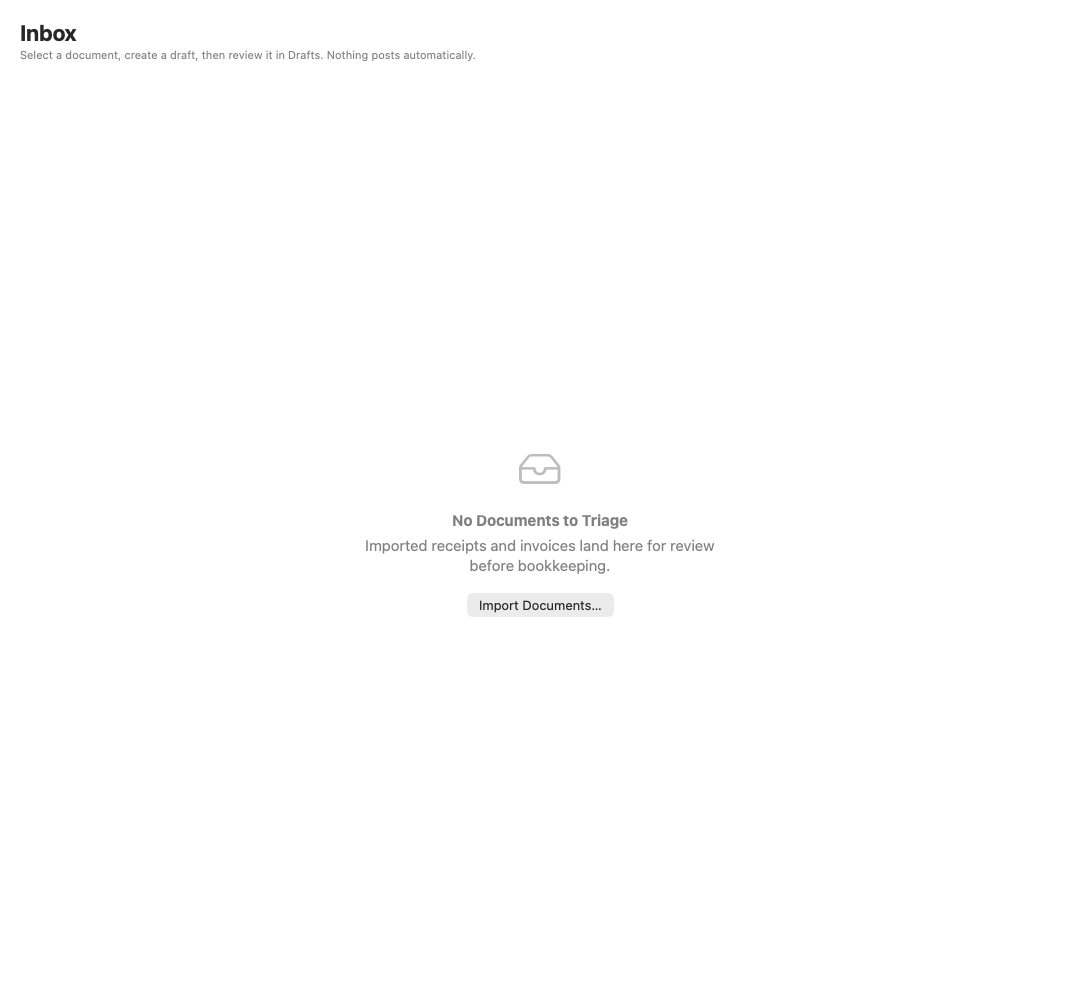
Start in Inbox
Imported documents wait here before they become bookkeeping drafts.
Mac
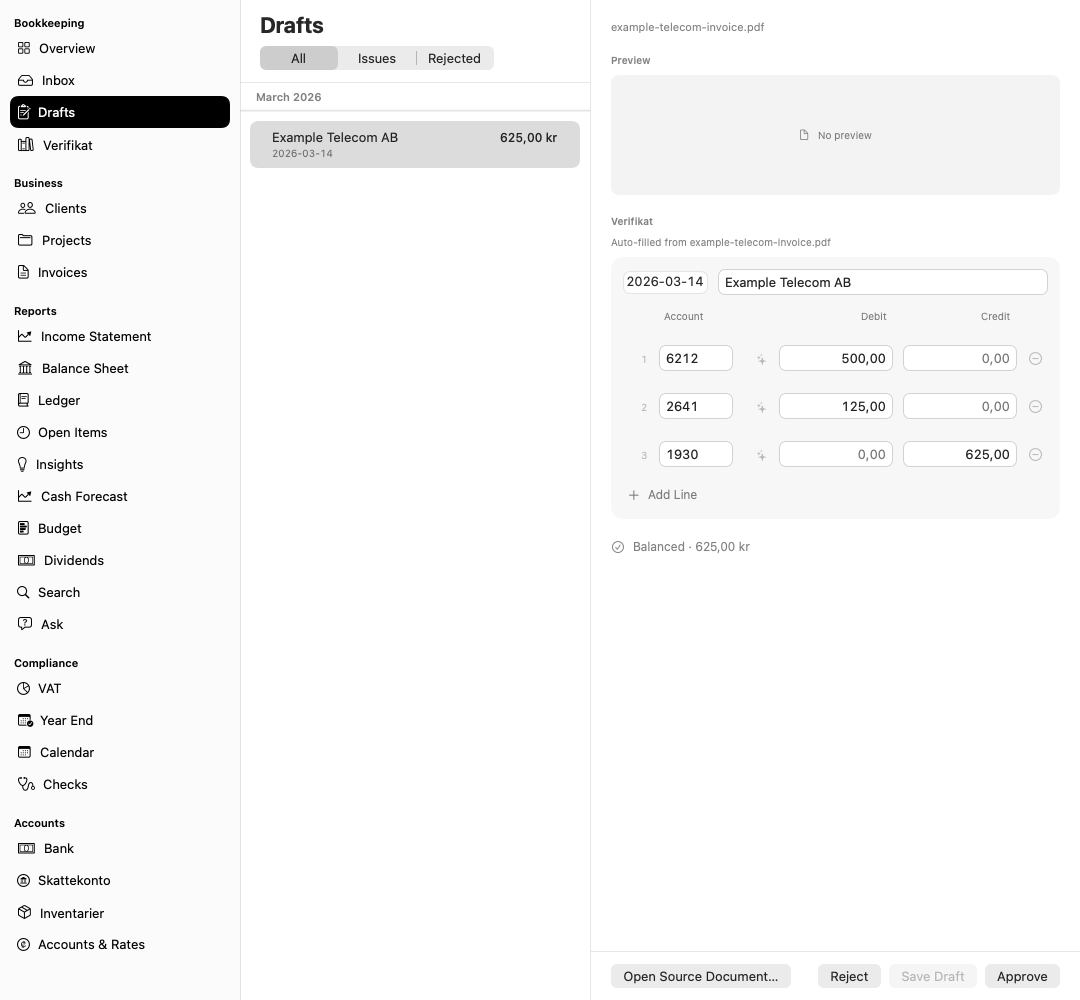
Review before posting
Drafts keeps the queue and selected booking visible together.
Import a document
- Select Inbox in the sidebar.
- Add a receipt or invoice.
- Select the document and start analysis.
- Open Drafts when the proposed booking appears.
Original files are copied into the company workspace and stay attached to the bookkeeping record.
Review the proposal
Compare the draft with the source document:
- Check supplier, description and transaction date.
- Confirm the expense, revenue and settlement accounts.
- Check the VAT rate and VAT amount.
- Make sure debit and credit totals agree.
- Review any warning about a locked period or future date.
Edit the lines when the proposal is wrong. Select Approve only when the booking matches the source and passes validation; use Reject when it needs to leave the review queue without posting.