
Prepare VAT and reconcile bank activity in Smartbok
Import bank activity, classify Swedish tax-account rows and review the momsrapport before settlement.
Mac
Bank and tax-account imports feed the same review-first system as document drafts. The import itself does not bypass Drafts.
Reconciliation and VAT
Mac
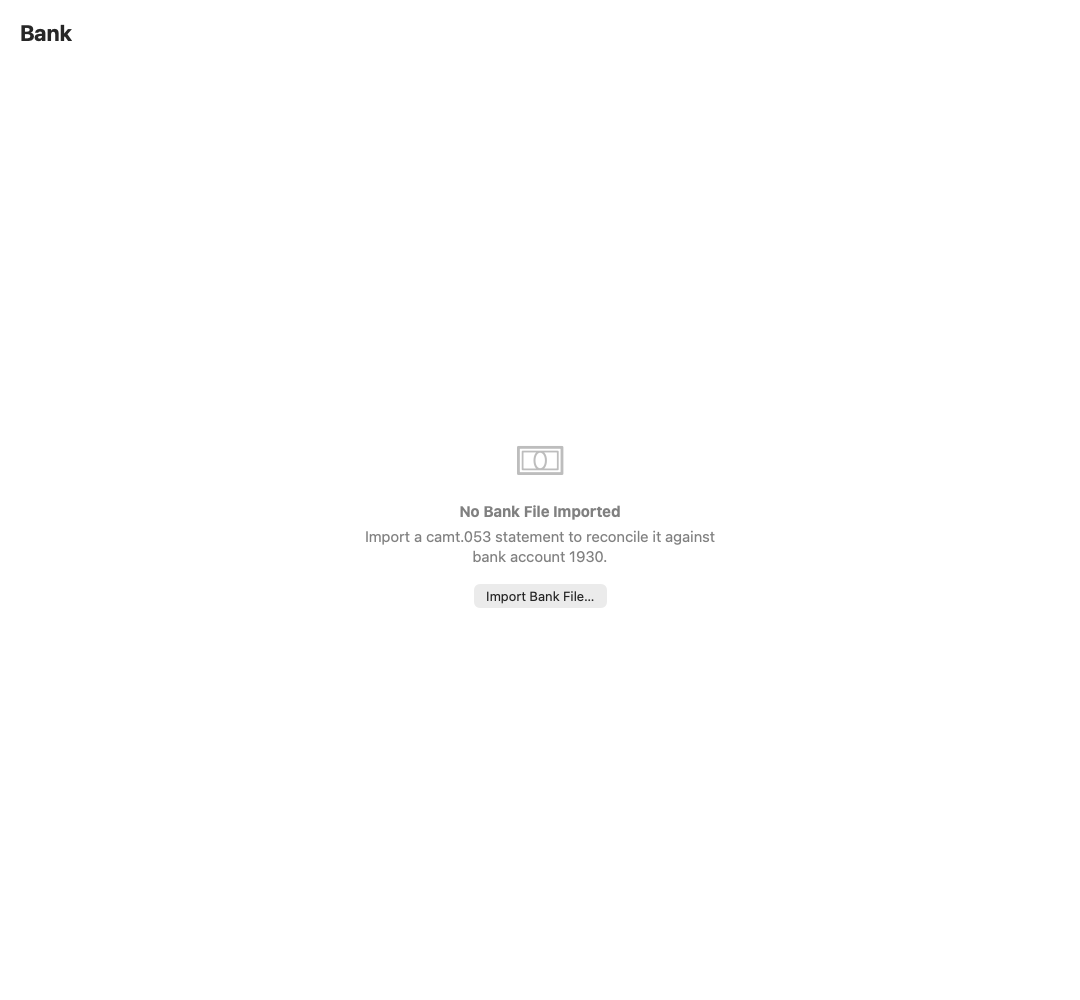
Bring in account activity
Bank imports help match payments and create missing drafts.
Mac
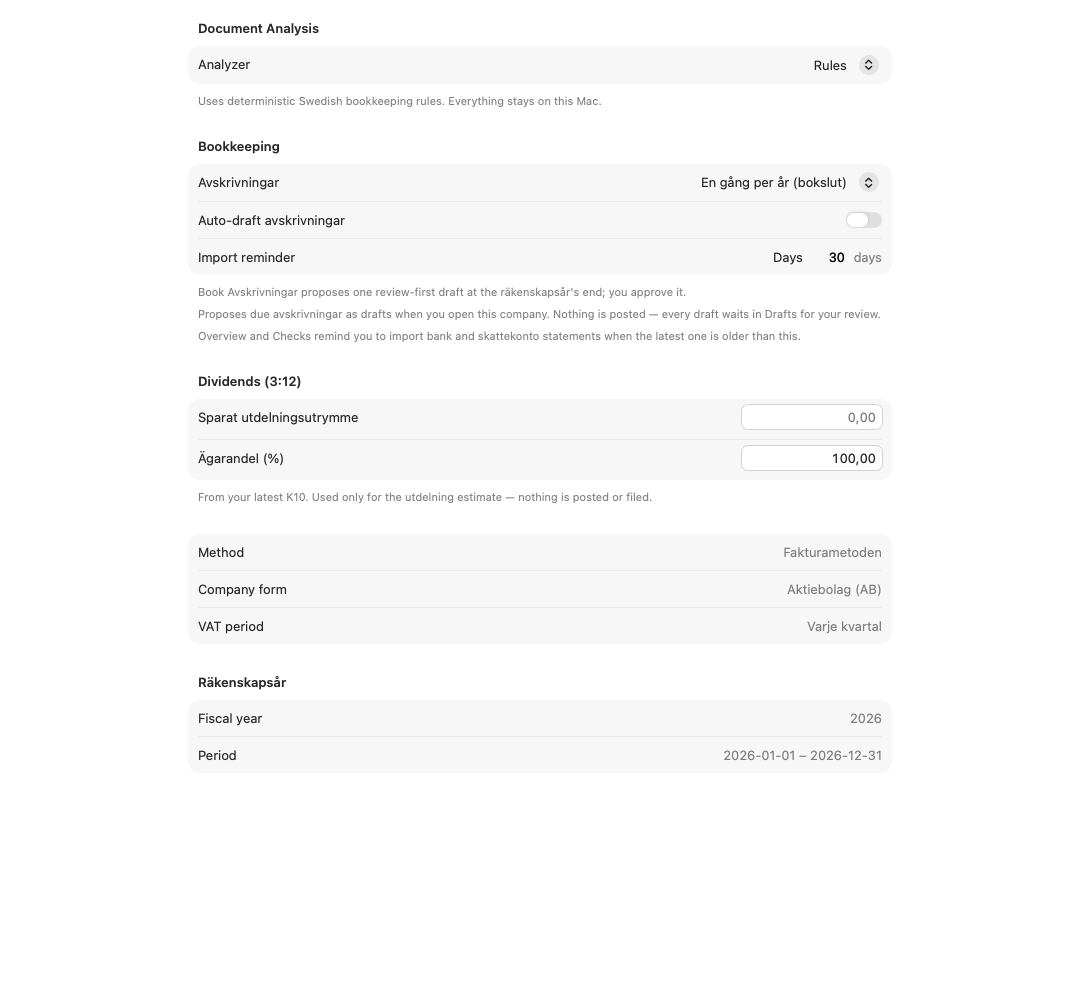
Confirm the bookkeeping setup
Company form, accounting method and VAT period drive the reporting route.
Reconcile account activity
- Select Bank.
- Import the statement file for the account.
- Review matched payments and unresolved activity.
- Create drafts for rows that need a booking.
- Open Drafts and approve each correct result.
For tax-account activity, open Skattekonto, select Import Skattekonto File and classify any row that Smartbok could not identify. Use Create All Drafts only after the classifications are correct.
Prepare the VAT period
- Select VAT.
- Choose the relevant momsperiod.
- Review turnover, input VAT, output VAT and any consistency warning.
- Resolve missing or incorrect drafts before settlement.
- Create the VAT settlement draft.
- Open Drafts, review the settlement lines and approve them.
Smartbok refuses unsafe re-settlement when a later moms transfer already covers the period.