
Swiftflip 1.18.0 adds searchable icons and Watch practice
Search emoji and symbols together, continue a session on Apple Watch and share or inspect cards from the iPad table.
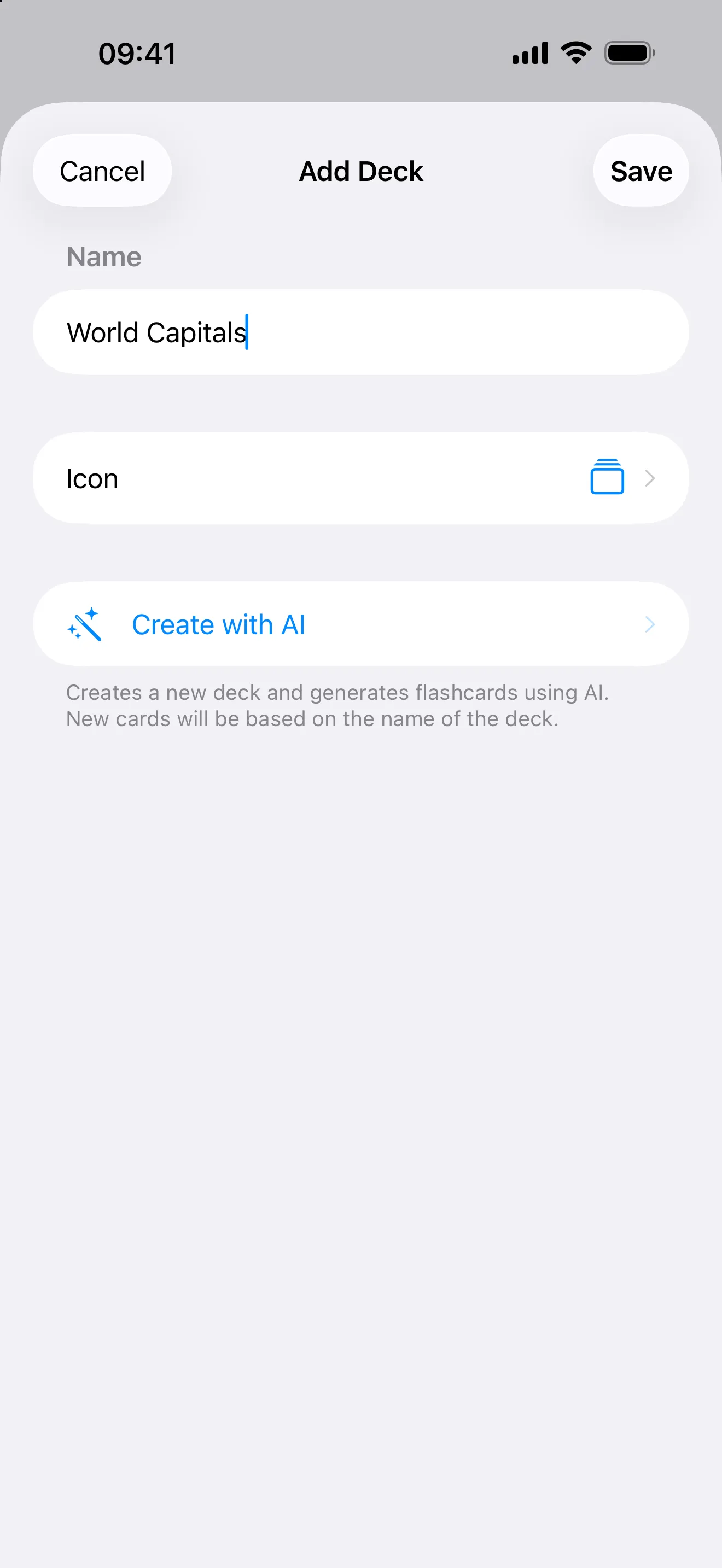
Swiftflip 1.18.0 adds searchable icons, more Apple Watch practice controls and new actions in the iPad card table.
Find the right icon
Search emoji and symbols together when you pick a deck or folder icon.
Practice more on Apple Watch
Continue a session handed off from iPhone or Mac. Missed cards come back in the same sitting. Swipe the next card back to undo the last grade. Paused decks stay in the list as Paused. Open a folder and practice its due cards. The Due Cards complication opens Due for Practice.
iPad card table
Share a card or open Card Insights from the table. Open a deck from a folder without leaving the table. Search in the sidebar opens the full search view.